
TABLE OF CONTENTS
When you need to map carriers
You may need to use this Omnivore function if Temu is not accepting the tracking and carrier name from the order in your eCommerce Store.
The error in the order might say Carrier ID is null. In this case it could be a simple as mapping your value with what is in the Temu database so they can accept the tracking info.
Add a new carrier mapping
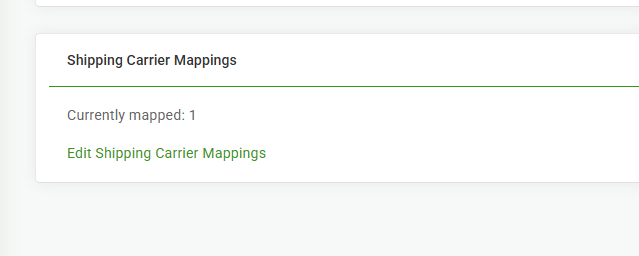
- In Omnivore navigate to Temu - Shipping - Edit Shipping Carrier Mappings
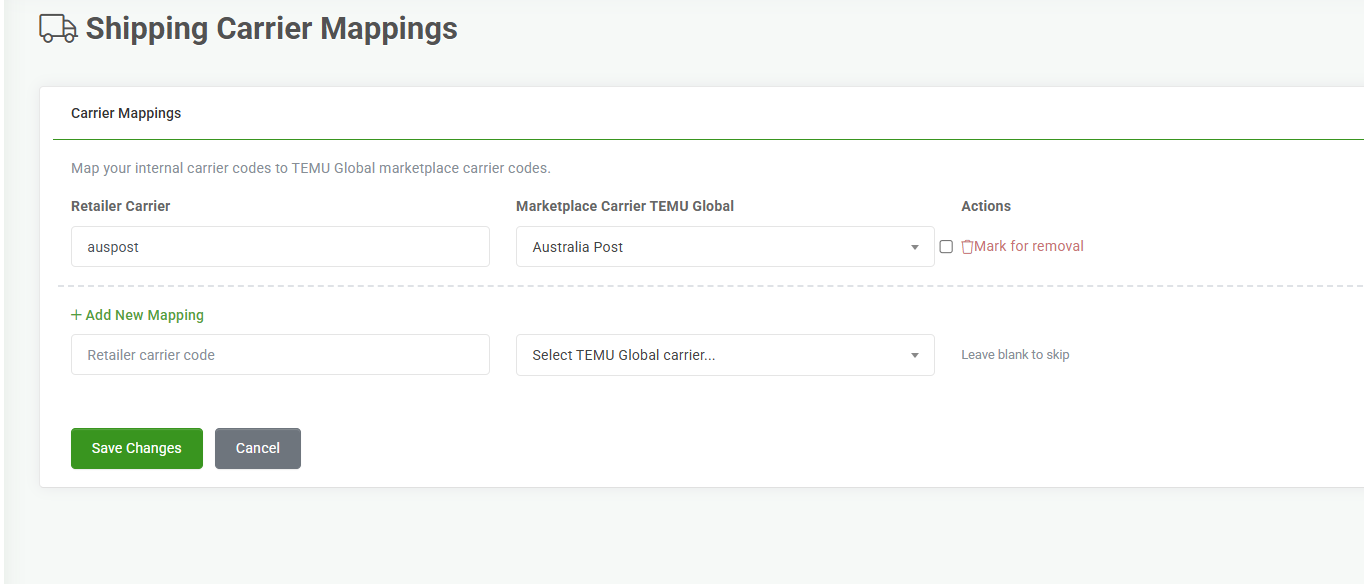
- Add a new mapping by typing in the name of the carrier code you use with the Marketplace Carrier name Temu has.
- `For example you might have Allied Express, so you would map it to Allied Express Transport in Temu.
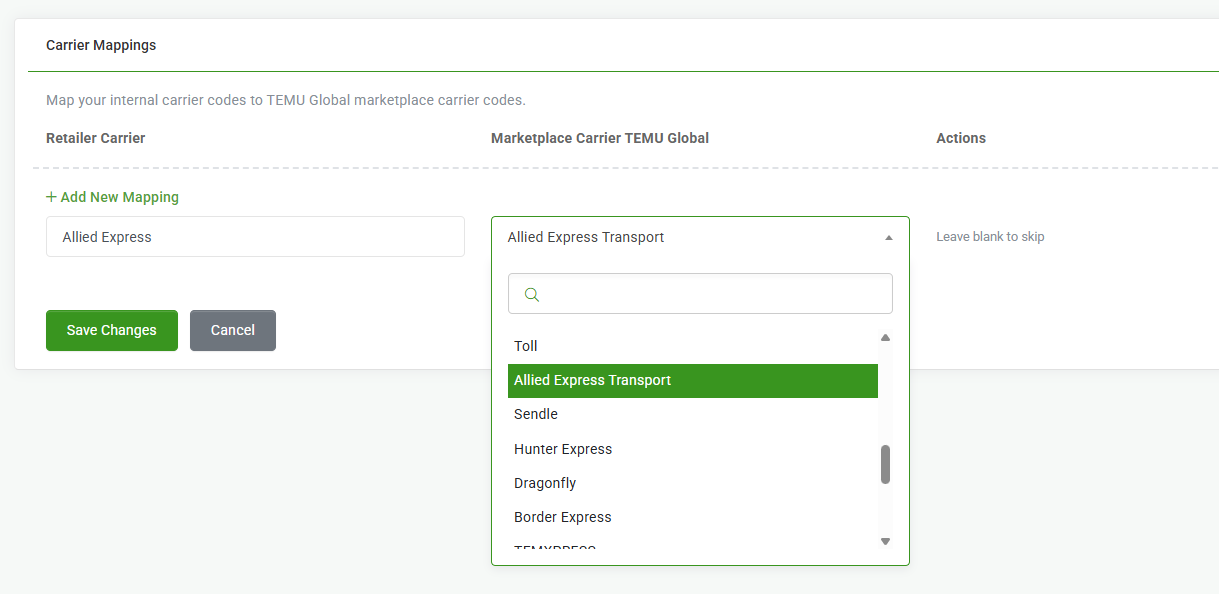
- Click Save Changes.
- From now on we will use the mappings and your order carrier info will be accepted by Temu.