
TABLE OF CONTENTS
Overview
This article covers the steps to import orders from eBay that have failed to import.
Troubleshooting
If an eBay order has not fully imported into Omnivore please follow the steps below AFTER you verify that the order is in the order queue which is visible on the Orders Page.
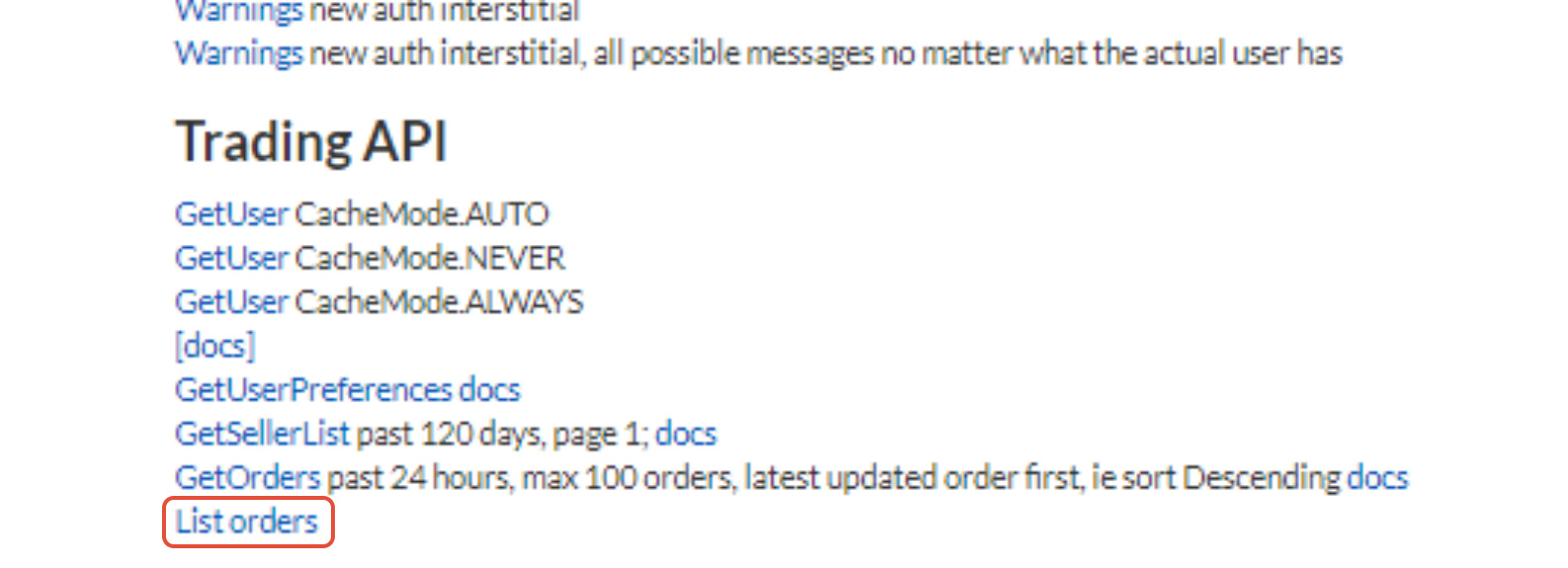
- Go to Retailer Admin - New dashboard - eBay Australia section -List orders
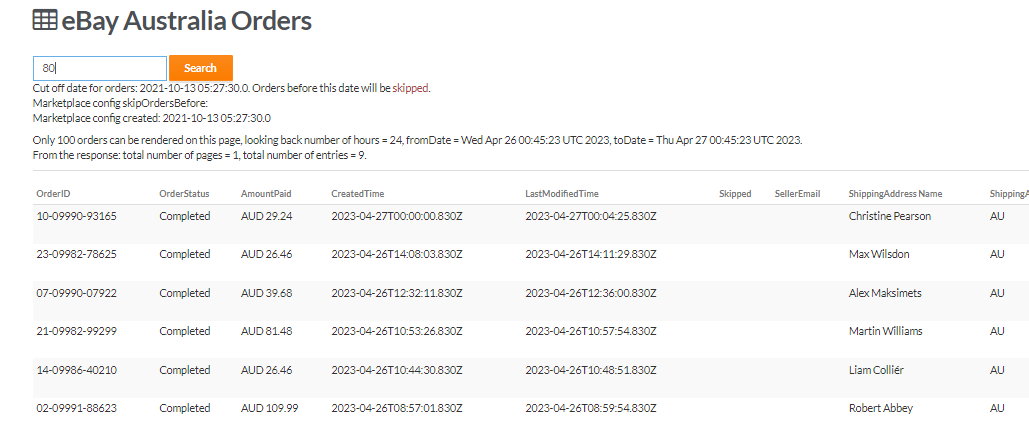
- Search for orders using hours, eg 24 for 24 hours or 300 for 300 hours.
- Orders in the list that are not imported will have a button "Create"
- Find the order you are looking for in the list, depending on how old the orders is you may need to do a few searches based on hours, it would be handy to know the date of your order.
- Hit Create Order once you find it.
- If you get an error after hitting create capture it for further troubleshooting
- If this does not work you will need to escalate including errors and notes.
- This only works for eBay Orders (currently)
If you are not sure ask in Product Support channel for help first.