
TABLE OF CONTENTS
“Customer Email Is Invalid” Order Error
This error happens when a buyer enters an invalid email address when placing their order on the marketplace.
Some marketplaces do not validate email addresses at checkout, which can result in incorrect or malformed email addresses and cause this error.
How to Fix the Invalid Email Error
To allow the order to sync through to your eCommerce store, you’ll need to correct the customer’s email address in Omnivore.
Steps to update the email address:
In Omnivore / eBay LINK, go to Orders → All Orders from the left‑hand menu.
Find and open the affected order.
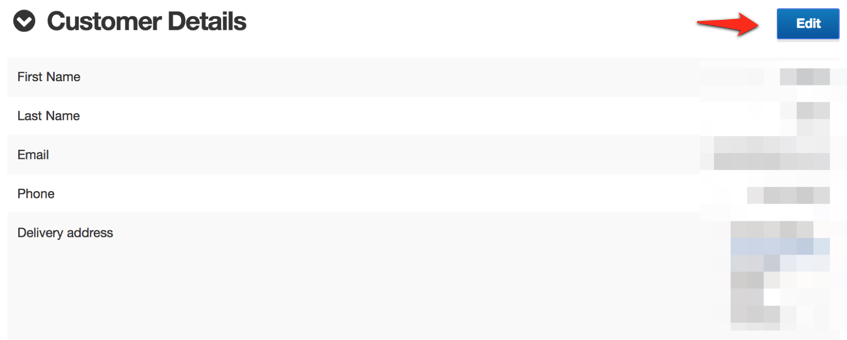
Scroll to the Customer Details section.
Click Edit.
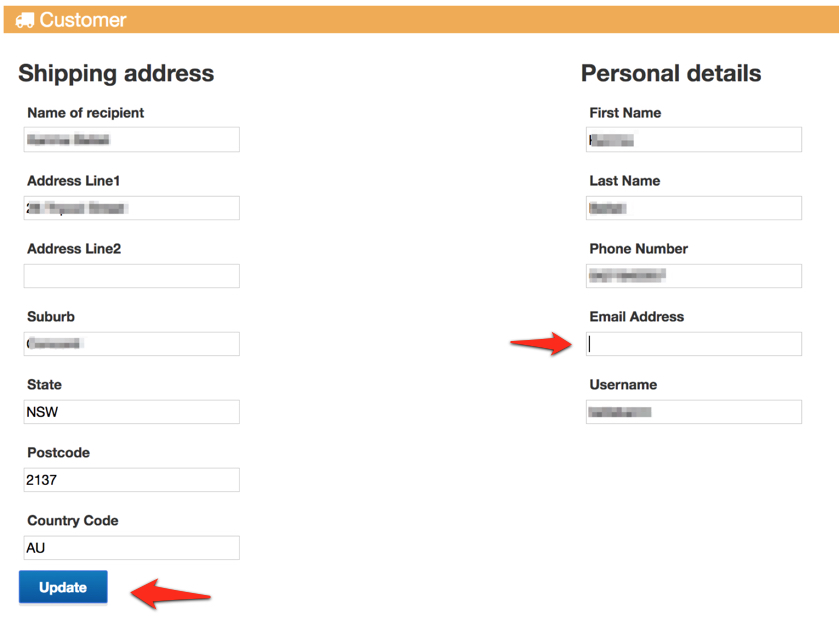
Correct the email address.
Click Update to save your changes.
Once the email address is corrected, the order should successfully flow through to your eCommerce store.