
TABLE OF CONTENTS
Use this guide to add international shipping options to your eBay listings.
Offer International Shipping On All Products
- Log into your eBay seller account.
- Go to Account Settings → Business Policies, which can be found under the Selling section https://accountsettings.ebay.com.au/uas
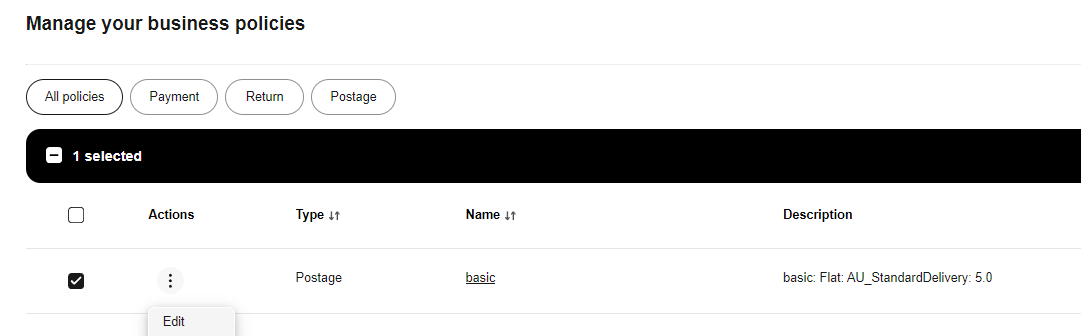
- Locate and Edit the postage policy you want to use (for example, the “basic” policy is being edited in the screenshot below).
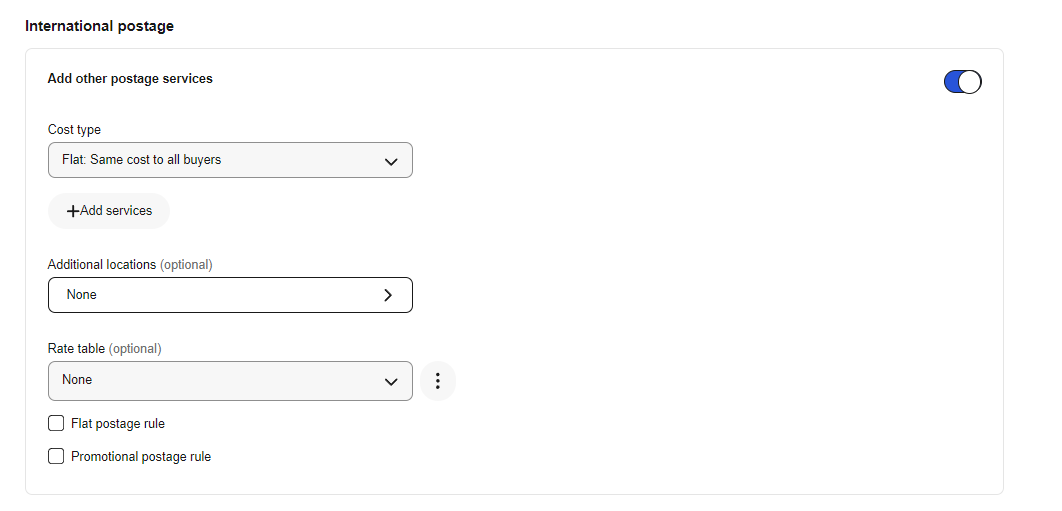
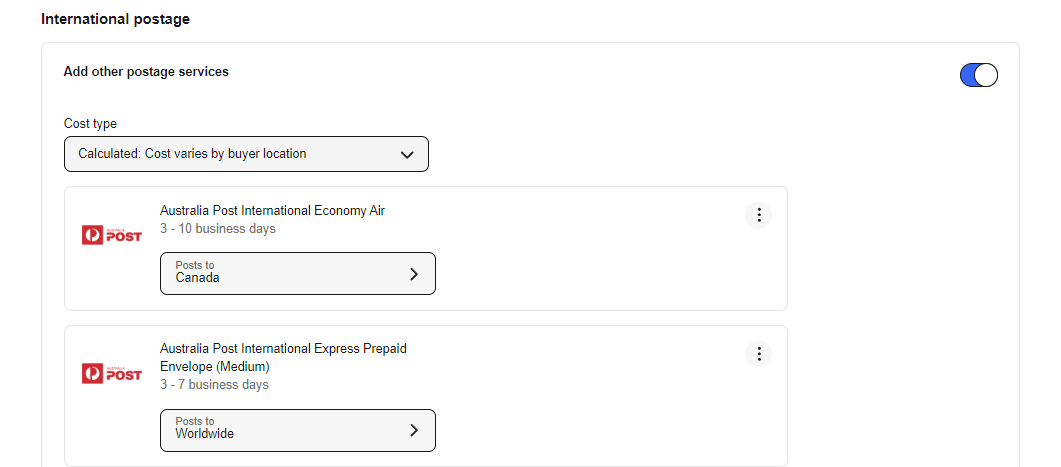
- Scroll to the International Postage section and turn on the toggle against Add other postage services to enable editing.
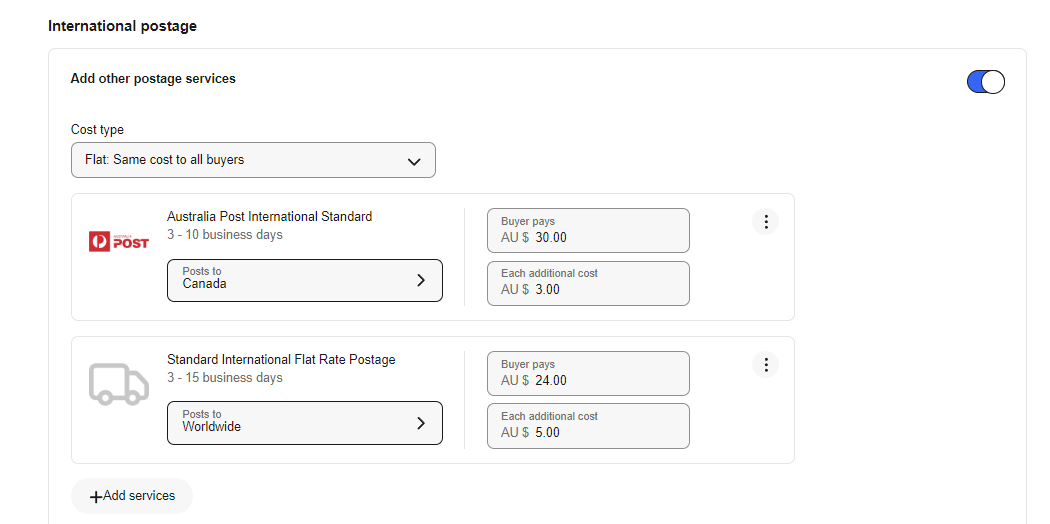
- Choose the Cost type from the dropdown, then click Add Services. In our example, we have used Flat: Same cost to all buyers and we have two services, one for Canada and one for Worldwide, each with different costs.
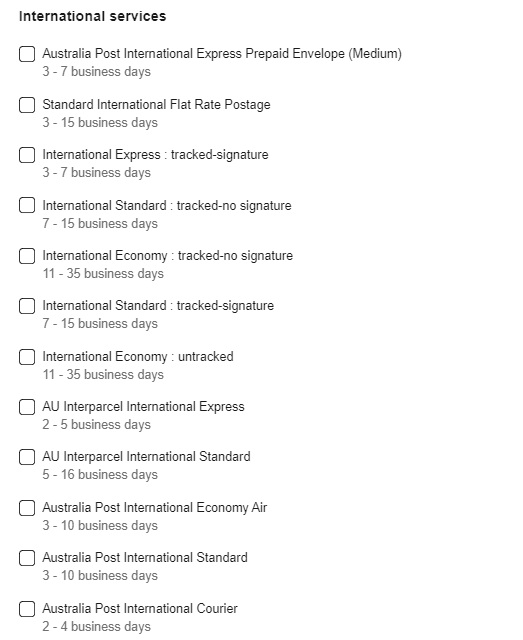
- You can offer up to 5 international services per policy.
- Once you’ve added all services, click Save to apply changes.
Tip: If you choose Calculated:Cost varies by buyer location, eBay (via Australia Post) calculates the shipping cost at checkout based on the buyer’s address. In our example, we have set this up for Canada and Worldwide.
Offer International Shipping On Selected Products
If you only want to offer international shipping on selected products rather than your entire catalogue:
Create a product group that defines which products should be eligible (e.g. based on brand, category, weight, price, or specific SKUs).
You can then either:
Create a new shipping policy in Omnivore that uses this product group, and then update the corresponding eBay policy as explained earlier, or
Use an existing Omnivore policy by assigning the product group to it, and then update the matching eBay policy as described above.