Cost
When using OpenRouter with the model openai/gpt-oss-120b the cost is approximately 2 dollars for 1000 products.
Check
First check that the category suggestions are not already enabled for the given retailer and marketplace.
Go to the retailer admin dashboard.
Locate the AI Configuration section.
This is how it looks when AI suggestions are enabled:
Bunnings
- Feature: CATEGORY_MAPPING
Config: [method: LLM, provider: OPENROUTER, model: openai/gpt-oss-120b]
If Config doesn't show anything then it's not enabled.
To enable it follow the steps below.
NOTE:
Facebook currently has an issue that needs to be fixed before categor suggestions can work properly
https://support.omnivore.com.au/a/tickets/178521
Steps
1. Check that active categories start at level 1, not zero.
General Admin -> Marketplace categories -> View Table -> Filter by active and select levels
If there are active categories at level zero, you have to run Denormalize - the orange button in the rightmost column
2. Go to the admin dashboard of the retailer.
https://m5.omnivore.com.au/adminSite/index?siteId=284
Locate the AI Configuration section
See if they already have a config for Feature: CATEGORY_MAPPING
If they don't and the text area above is empty, enter this:
[
{
"marketplace": "facebook",
"feature": "CATEGORY_MAPPING",
"method": "LLM",
"provider": "OPENROUTER",
"model": "openai/gpt-oss-120b"
}
]
If the text area already has some configuration, you will need to know json syntax and add the new config to the list.
Maybe ask a dev.
Then look again to see if the config is now showing what you want.
- Feature: CATEGORY_MAPPING
Config: [method: LLM, provider: OPENROUTER, model: openai/gpt-oss-120b]
3. Test a couple of products.
Go to the marketplace product view.
Locate the section Suggested Categories
Click "suggest now"
https://m5.omnivore.com.au/marketplaceProduct/view/32527779?retailerCode=super-cheap-auto
If you see an error:
"message": "Missing Authentication header",
You need to talk to a dev to deploy the OpenRouter credentials onto that cluster.
4. Go to Administration and enable the suggestions calculation
https://m5.omnivore.com.au/configuration/adminConfig/super-cheap-auto
Calculate Suggestions Strategy -> chose IF_VALIDATION_ERROR (recommended) or IF_EMPTY.
5. Category suggestions for products are calculated during validate.
Manually create a "revalidate all products" job to start the process.
Suggestions at the retailer category level are aggregated from product-level suggestions during GROOM_RETAILER_CATEGORIES, so after "validate products" is finished, verify that groom has run, if not create the job manually.
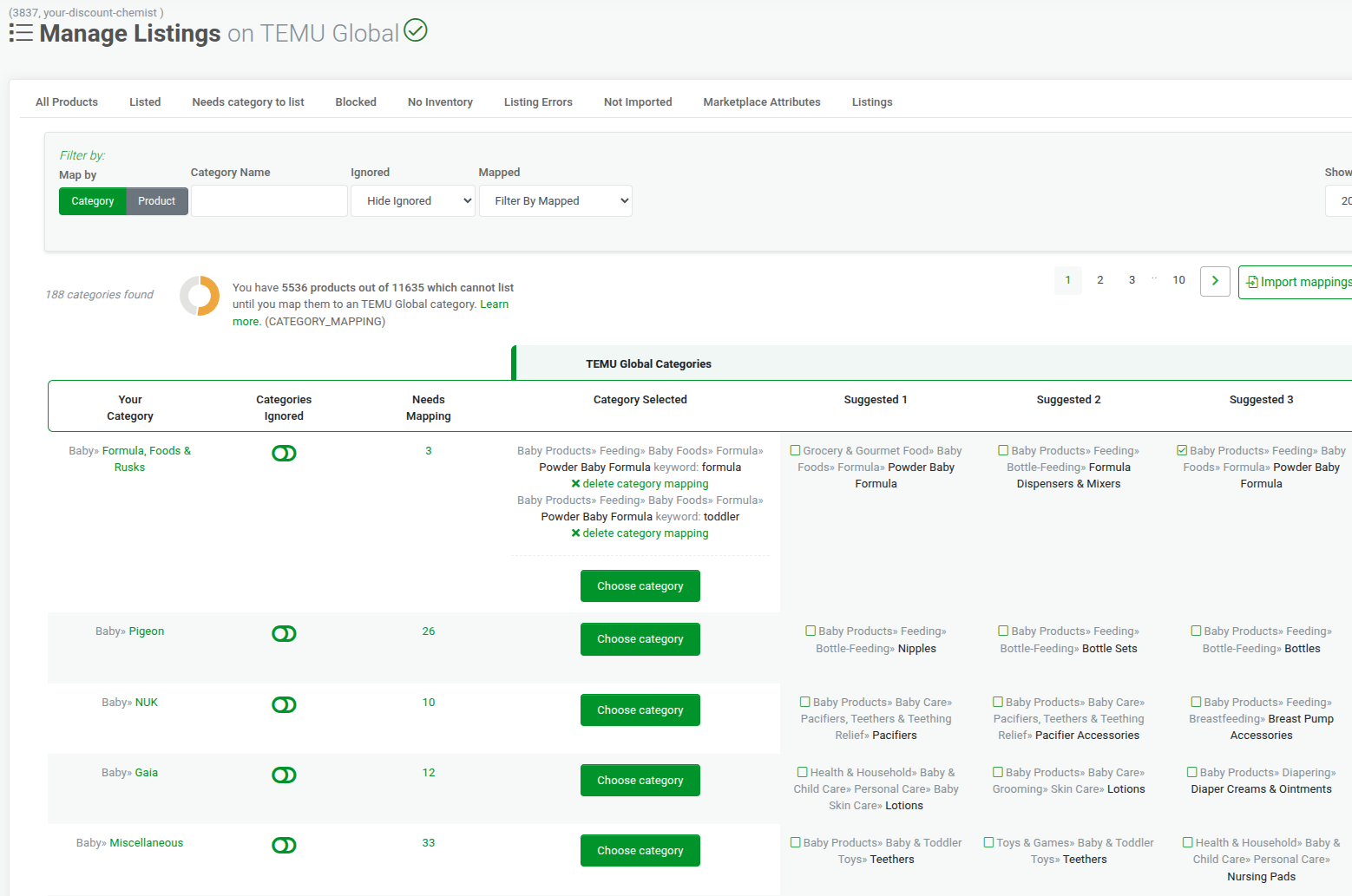
When all jobs are done, it looks like this: