Before the session:
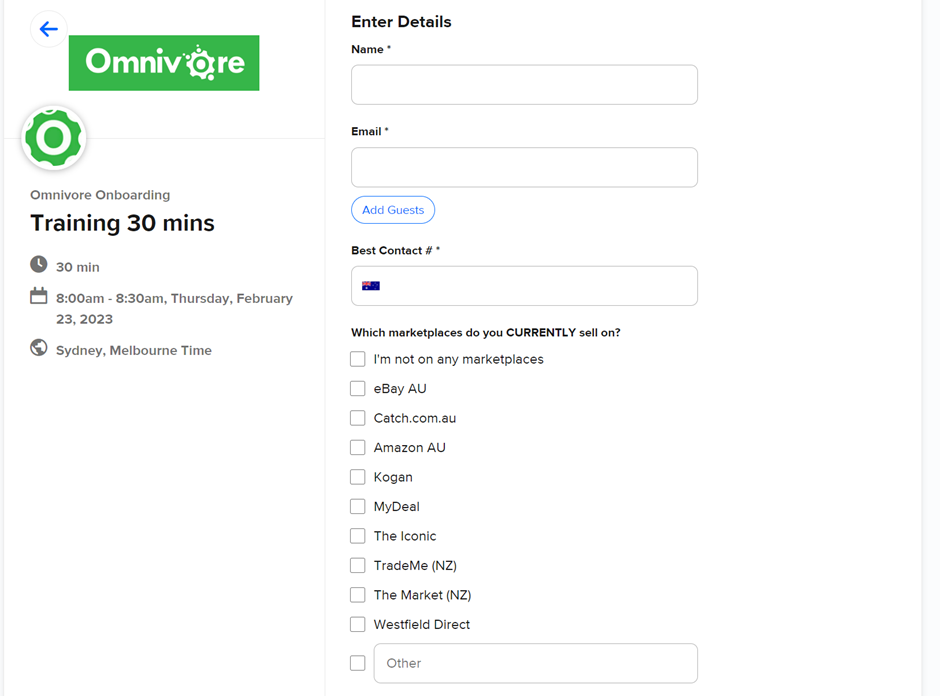
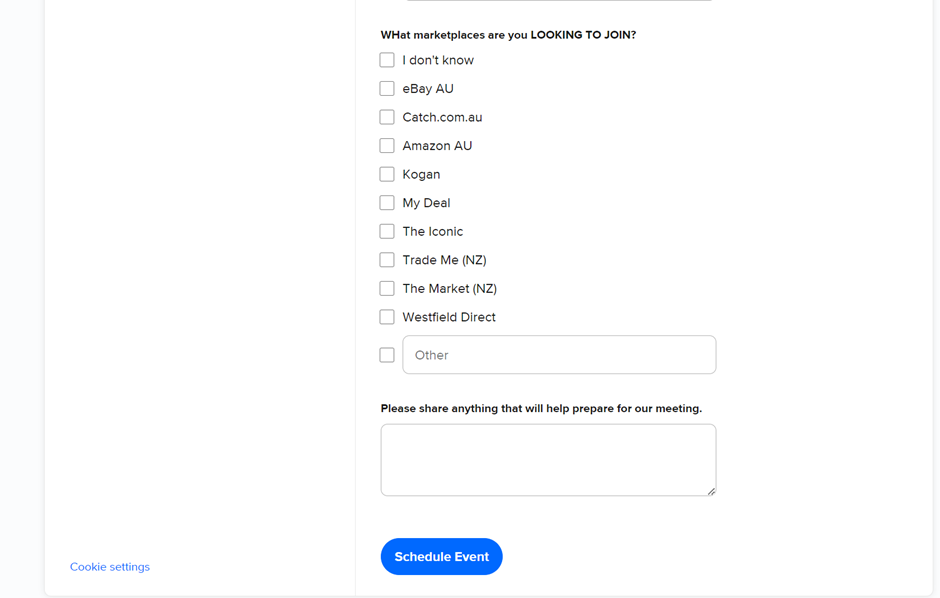
- Review answers to pre-survey questionnaire See end of this article for Questions.
- Look in Omnivore at their set up to see where they have got to – identify potential issues worth highlighting e.g data requirements, product errors, if they have attempted mapping, settings.
- If a seller hasn’t highlighted what marketplaces they want to go onto, discover which marketplaces. We need to share paid onboarding options with all retailers.
During the Session:
- Are they already selling on any marketplaces? If yes:
- How? E.g migrating from Codisto etc
- Which ones? Discuss marketplaces and where they’d like to sell? Do they have a marketplace account for each marketplace they want to sell on? If not, direct them to Support Portal to the marketplace specific article that advises how to apply for the selling account. Inform approved marketplace procedure [Eg: Catch] vs Ready to list [eBay, Amazon]
- Discuss marketplaces that existing listings can be synced with eg eBay, catch, amazon, kogan
- Provide an overview of how Omnivore works
- How to access Omnivore from their ecom platform
- Dashboard – products summary, orders summary, Dashboard tab listing errors. Explain Syncing at a high-level and send FAQ that highlights automated vs manual, when to click upload to marketplace.
- Overview of the left-hand nav and where to find most important functions (Products, Product Actions, Orders, Promotions, Marketplace General and Shipping Settings). For any follow-up questions, it’s beneficial to share FAQs than rush within 30 mins.
- Inform them basic things they need to onboard themselves – Marketplace specific data requirements
- How to get support
- Self-serve - Portal, chat
- Supported onboarding – provide an overview of what is involved and the cost. Highlight how many hours of support they can expect + additional cost if project exceeds.
After the Session:
- Send a follow up email (Freshdesk to give visibility to support)
- Any actions that you said you would do
- How to get support – self serve vs paid
- Time to create the email, share and include steps. (Need to account for this time). End to end call seems to be ~45 mins.
Onboarding Team FAQs prior to roll-out – Top 3:
- How do we differentiate seller requests before the call is booked in for an Omnivore overview, if the seller is looking for help with a specific error/troubleshooting. This is so that the seller knows what to expect from our call which will in turn ensure seller satisfaction & positive survey results. [Tip: Can we add a question to Calendly where sellers can select the nature of their request. Eg: How does Omnivore work? Or I need help with my errors.]
- When would it be ideal to offer this call to sellers? Would we like to offer a call to all new sellers, or only those that are dormant after x days so onboarding can help with engagement vs troubleshooting errors for engaged sellers? Eg: Seller submits no ticket requesting help.
- We’d love help to define the wording explaining exactly what’s included and not included in this call within the marketing emails so as to set accurate seller expectations early on and to reduce seller dissatisfaction and –ve survey results after they join/attend the call. Eg: Where to setup shipping (overview) vs trouble setting up specific shipping policies or errors arising due to incorrect mappings eg: eBay.
Onboarding WIP in preparation to roll-out
- Create a cheat sheet with all the info we need for the call – FAQ short-cuts (email any specific links they may have needed during the session) - [Assigned to Deb/others]
- How to add marketplaces, assisted OB page
- Data requirements – Required attributes in FAQ. Reach out if you need help while actioning.
- Create a checklist with all the pages, screens and features, services to cover off during the call (Agenda)
- Listing products – category mapping, blocking/excluding products, product groups and product actions, pricing.
- Listing products – category mapping, blocking/excluding products, product groups and product actions, pricing.
- Inform them basic things they need to onboard themselves – Marketplace specific data requirements - Collate into one page from several FAQ sources – Deb to confirm if content is available or needs to be created? [Assigned to Deb]
- Check if a FAQ exists that highlights automated vs manual syncing, when to click upload to marketplace. [Assigned to Dave]
- Create one document with headings, links to easily refer to and use on the call and pick and share. [Assigned to all, based on above sections being worked upon]
Pre Session Survey Questions