
On the product page you can use the Upload and Debug and the Single Product Upload button to update a single product.
It is not the same as other markets, the info below can be used as a guide.
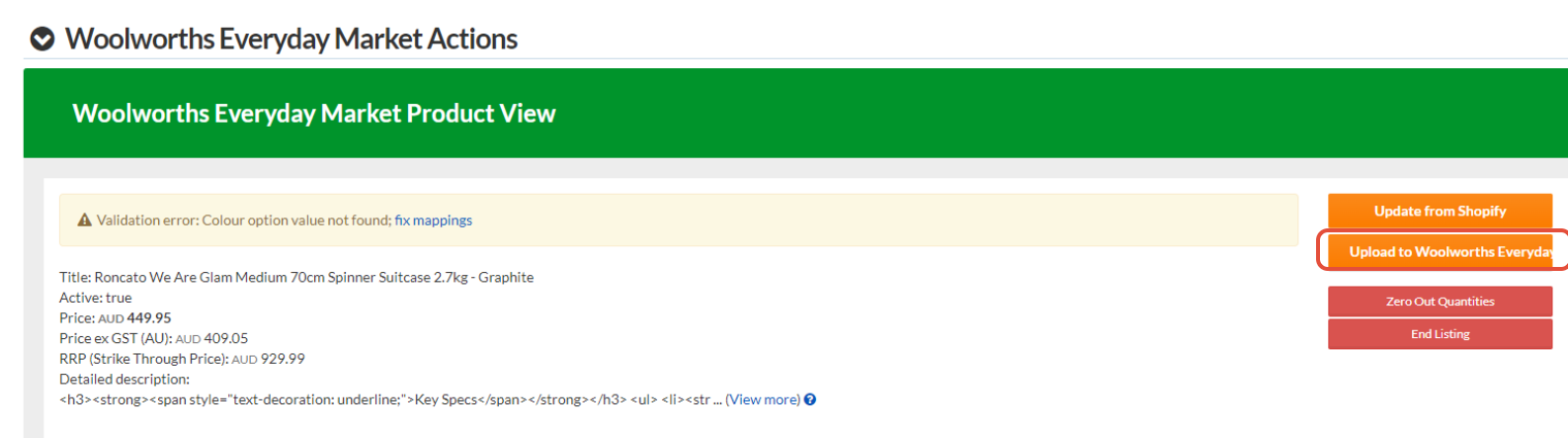
The scenario in this case is how to use it if a product has a validation error (attribute error) and you fix it then want to test to see if it lists or not.
Error Example
Woolworths Everyday Market validation error:
Colour option value not found; fix mappings
Fix Attribute Mapping (see this faq)
Come back to product page click Upload and Debug

Wait for Success msg.
Go back to product page and click Upload to Woolworths.
Check the bottom section for the GraphQL information, this will tell you its listed with the ID
