
Internal only.
For new listing api internal faq How to see Amazon Shipping Policy applied to a SKU in Amazon
If you want to determine what shipping cost is on a product in Amazon you can use this FAQ to check the shipping code of the policy with the shipping code of the product to see if they match or are correct.
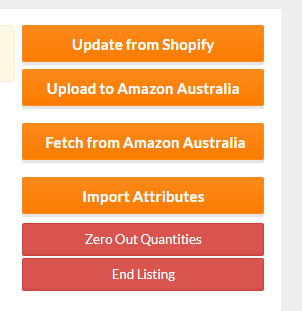
On the product page use the Fetch from Amazon button and search on merchant shipping group.
https://m4.omnivore.com.au/product/view?retailerCode=fresh-beauty-co-demo&sku=7378499764424
"merchant_shipping_group": [
{
"value": "929ea24e-808e-4198-aa09-b84
This product has this policy called Shipping Method: ZPW Shipping
Use the Get Shipping Template Data button to reveal the full Code Colum in Omnivore.
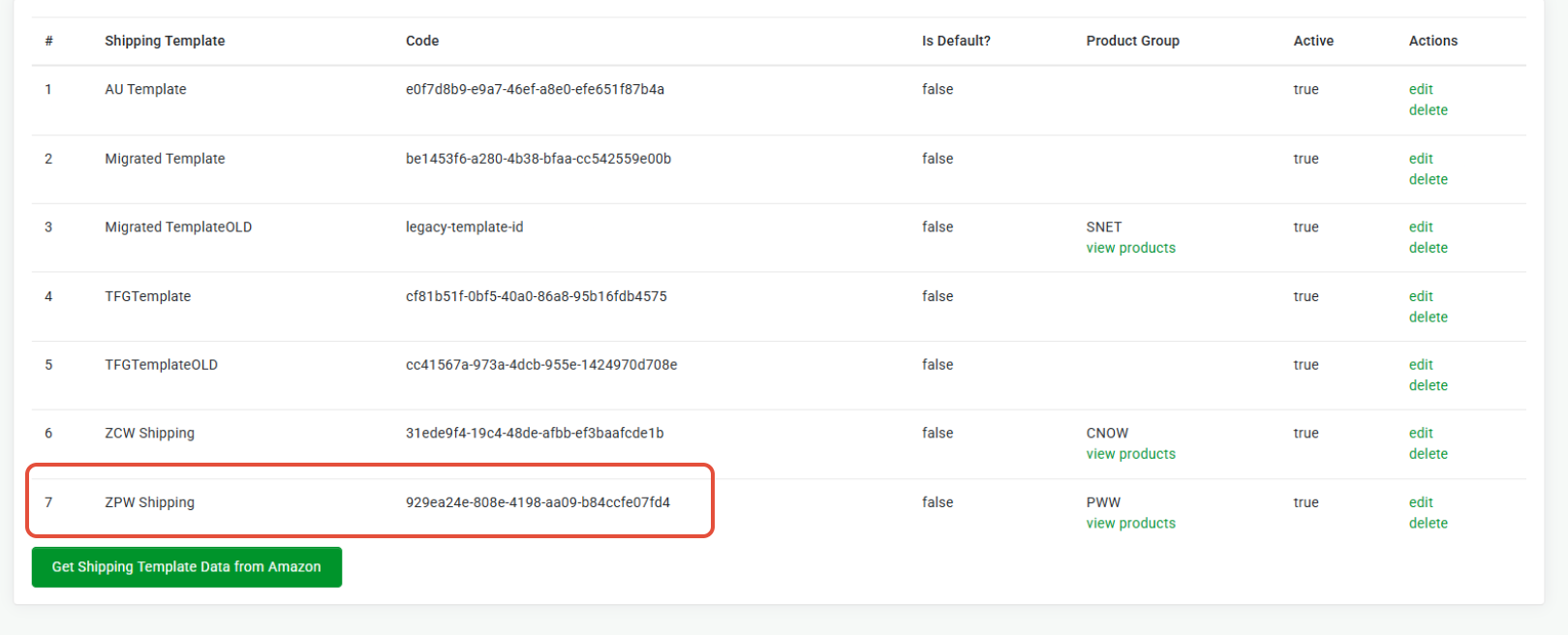
Check the code you have for the products shipping policy in Omnivore, see highlighted above.
Compare -
Policy code:

Code from the product fetch data.
"merchant_shipping_group": [
{
"value": "929ea24e-808e-4198-aa09-b84
Comparing you can see they do match up.
This will help you compare the policy code with the code on the actual product listing in Amazon.
If they are not a match this will explain why the rates are not correct.