
Internal only.
Shopify sellers who have multiple shopify stores (under their shopify account login) can install the app successfully and now have an Omnivore account for each Shopify Store.
The easiest way to achieve this is when they install the app from the 2nd store in Shopify they enter a different email address into the signup flow than the one already used in shopify.
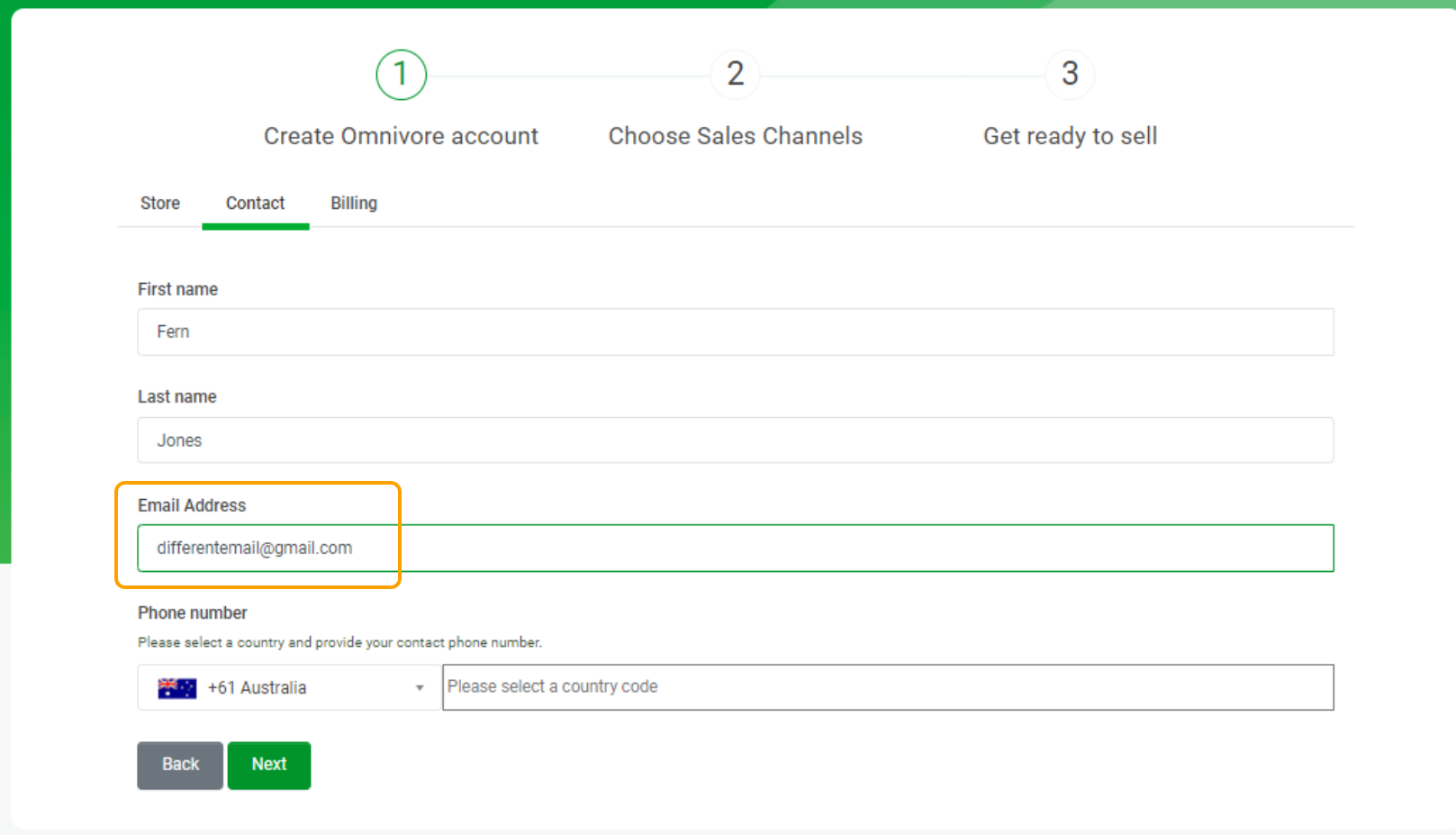
After installing, this means they will have two instances with two different default emails in Omnivore.
See below, all that digi and Support Store, these are both connected to the all that digi account in Shopify.

Key Points to note:
If they attempt to install from the 2nd shopify store and use the same email address they will get an error. See below.
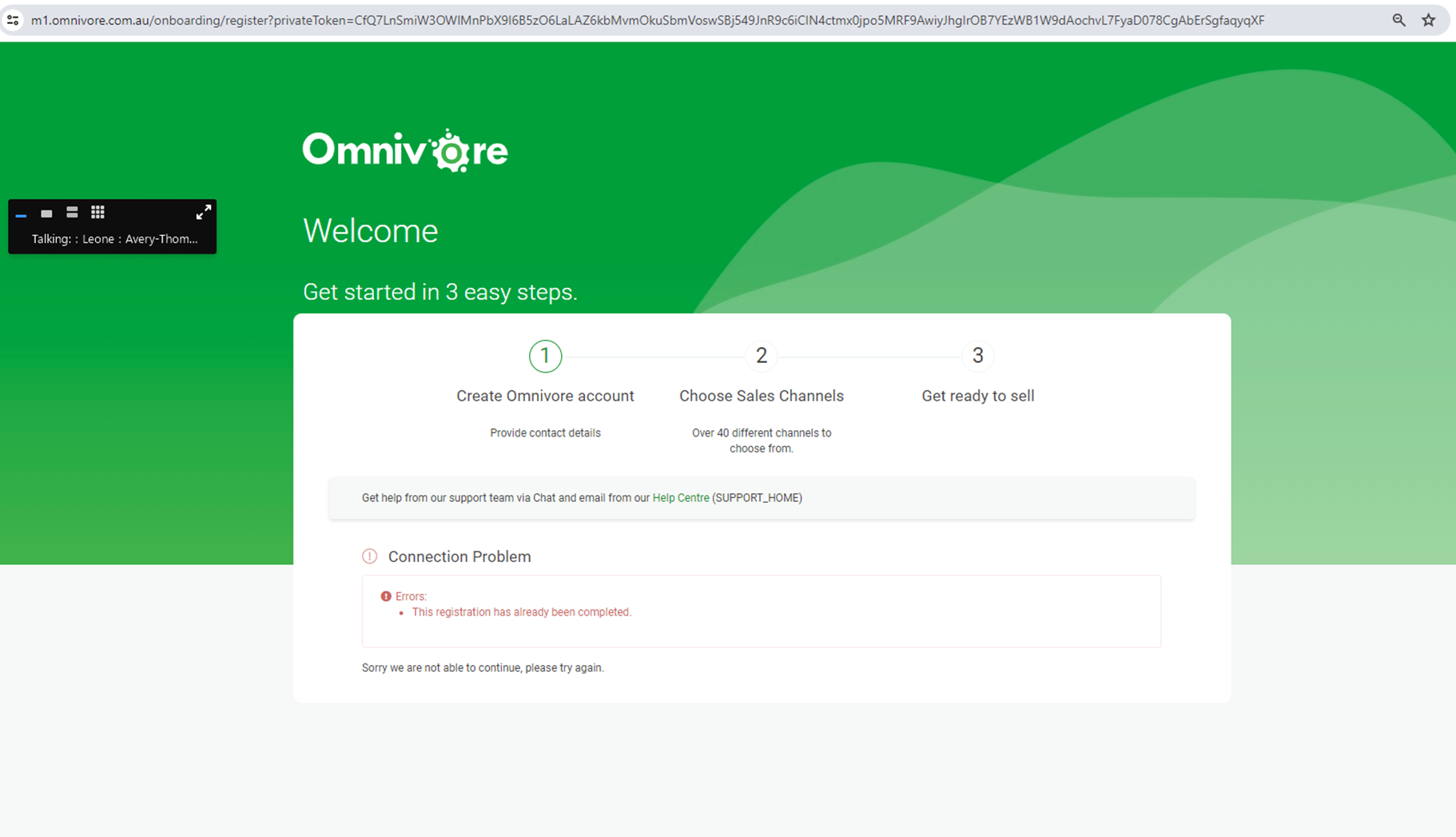
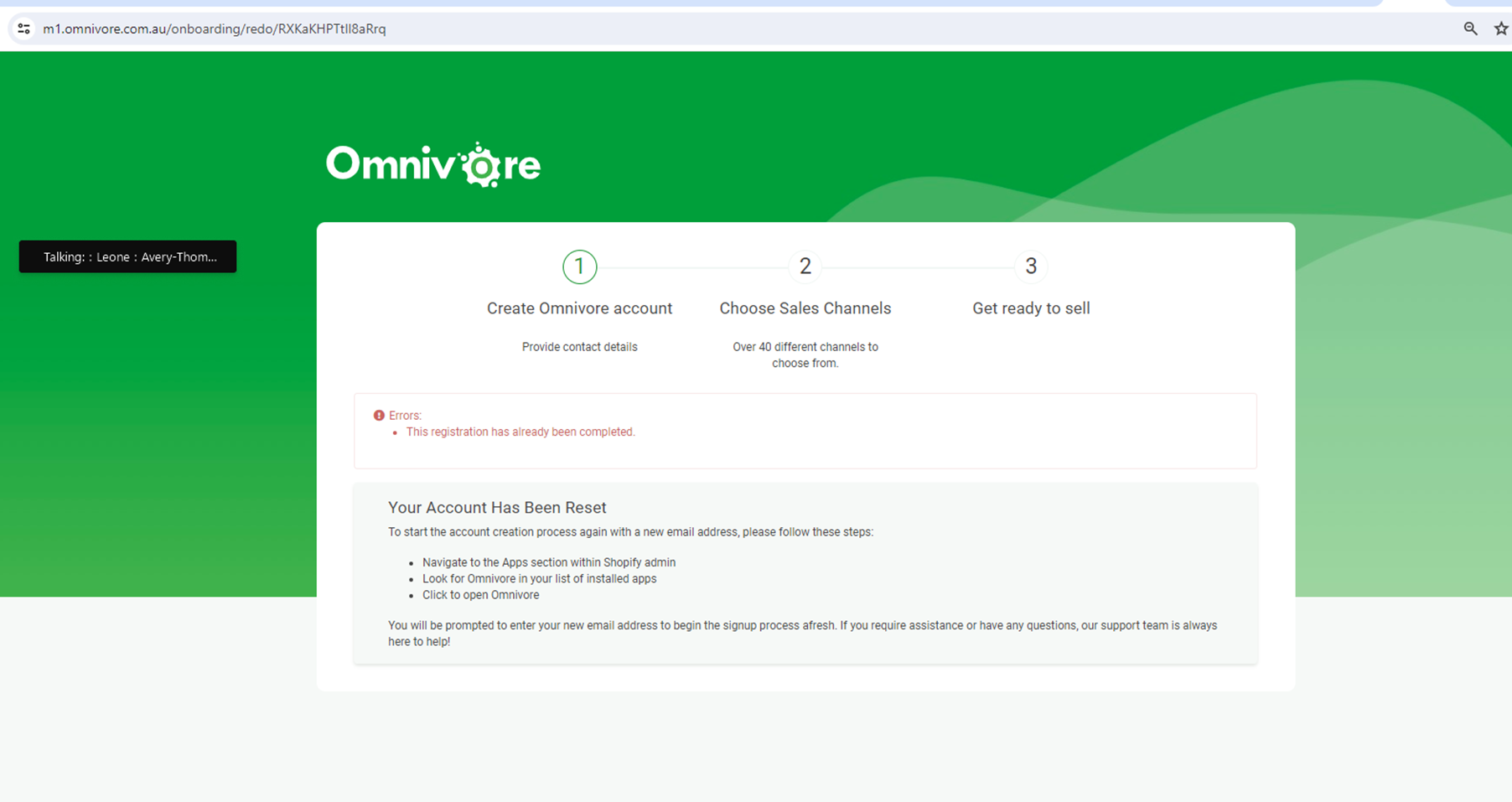
- They need to try again and add a different email address into the field at signup.
- When looking at the accounts in Omnivore at first glance you won't know they are from the one shopify account, you will when you check the shopify store settings to view the raw data call to view the shopify store config.
- Via the store config both will appear to be connected to the original email address, using our example that is the fern@gmail account which is the Shopify admin account email.
- But the user account will have the email address they used when they signed up.
- In Freshdesk you will need to add a different store/account to the users email address because they may use the one email address to put a ticket in about both stores.
- They will now be billed for two instances in Omnivore, combined billing is possible, but case by case and not offered up front. Speak with Fern on this. By default they will have to accept billing again when installing from their 2nd store install.
- Sellers who use Omnivores this way may get the 'ýou are not authorised' screen if they are logged in to different accounts at once and switch browser tabs.
This is new following changes to the signup flow, the previous way was to have them install a white label to hit another server, then in some cases copy that account with a different code to the same server. This scenario will be less now because they can use a different email address at the time of signup.