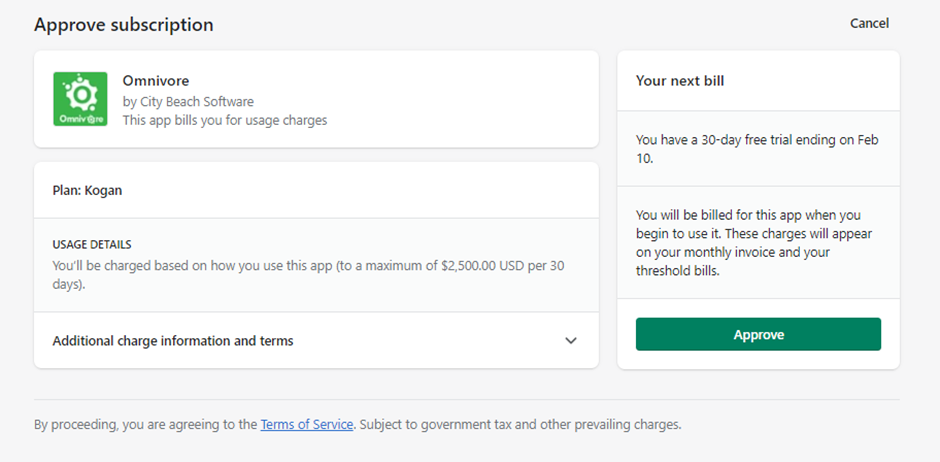
If you need to remove an existing Shopify billing charge so that the retailer has to accept it again then you will need to delete in two places.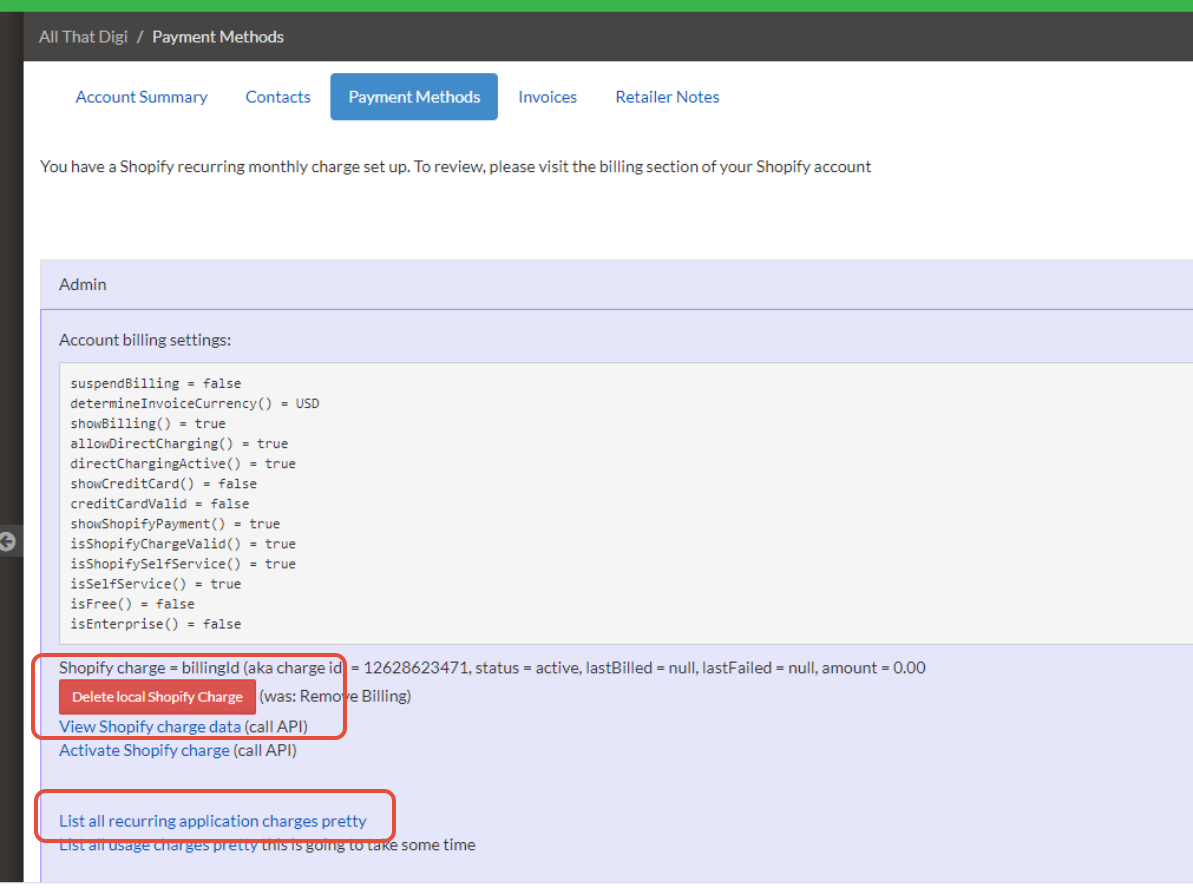
How to Delete a Shopify recurring charge:
- Go to the ‘Payment Methods’ tab in omnivore in click ‘List all recurring applications charges pretty

- Click ‘Delete’ for the active one

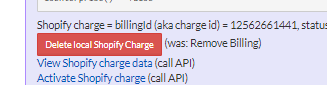
- Go back to the Payment Methods tab and click Delete local shopify charge
retailer will then be pushed to the dashboard to accept billing the next time they login to omnivore