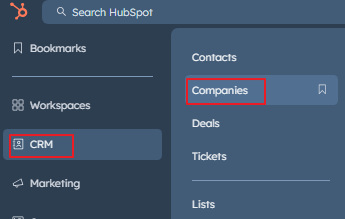
go to CRM->Companies (Left nav)
https://app.hubspot.com/contacts/22393621/objects/0-2/views/all/list
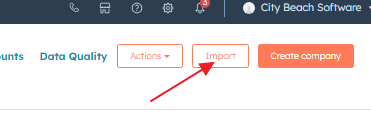
When that page loads click import option at the top right
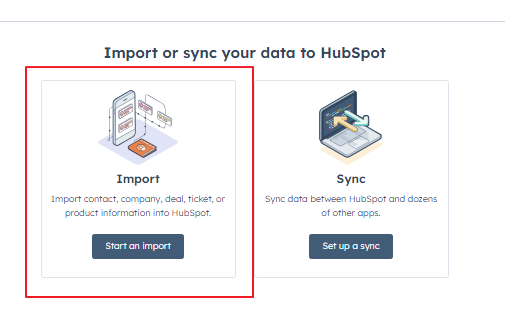
Choose "Start an Import"
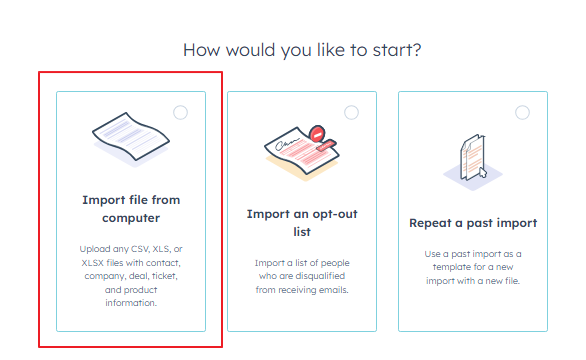
Select Import File from computer
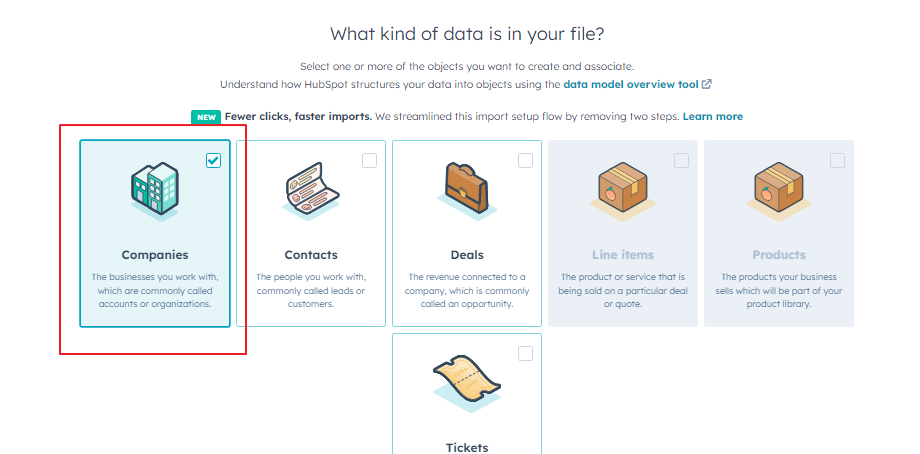
What kind of data is in your file? Choose Companies then click the orange next button in the bottom right
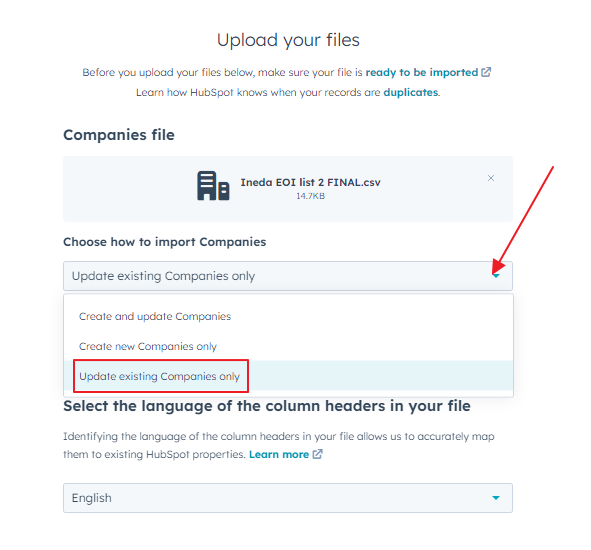
Under Choose how to import Companies make sure you select "Update Existing Companies Only"
Leave Same-object associations Unticked and hit Next
Makse sure you tick do not override for Company name
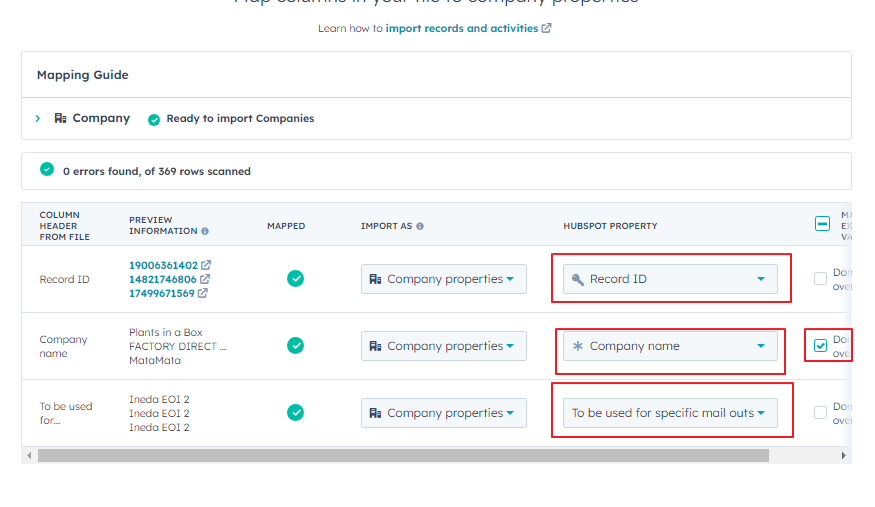
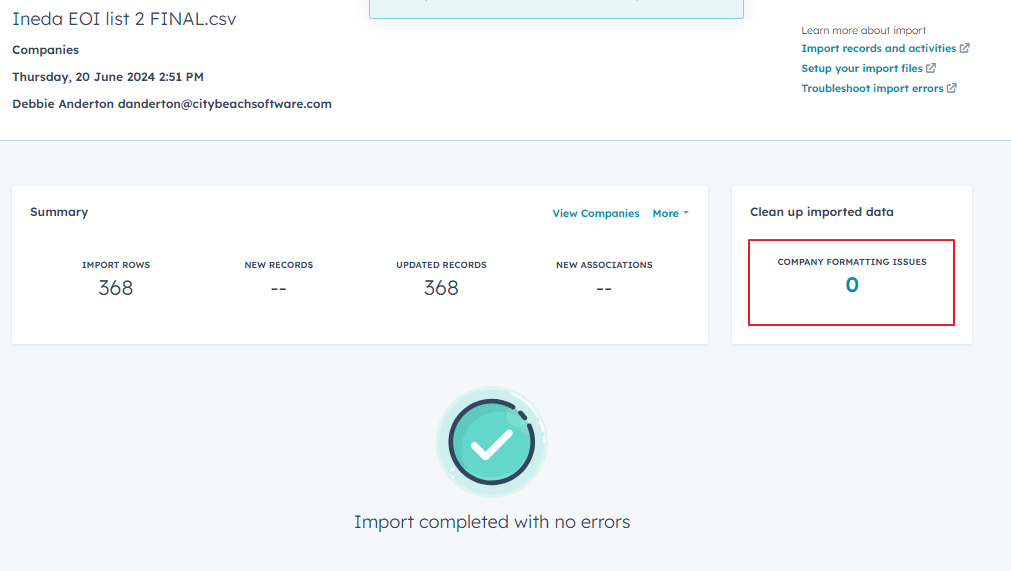
You will see this
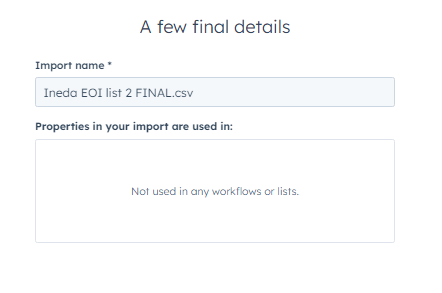
Click the Orange Finish Import list