
Internal Only.
FAQ reviewed December 2023
Following the dev to rollout FBA/FBM the content in this FAQ may not all be relevant.
This is the front facing faq for sellers - https://support.omnivore.com.au/17000137805-fulfilment-by-amazon-fba-
As of Dec 2023 they can contact us to opt in then go thru the FAQ to setup FBA.
Content below will remain but no longer relevant.
FBA listings are not impacted when using Omnivore. The stock quantity, price etc do not change from the Omnivore feed for the ASINs and FBA orders will not flow through to Omnivore.
If a retailer wants to offer their ASINs as FBA listings they will need to add a listing manually in Amazon as a FBA listing.
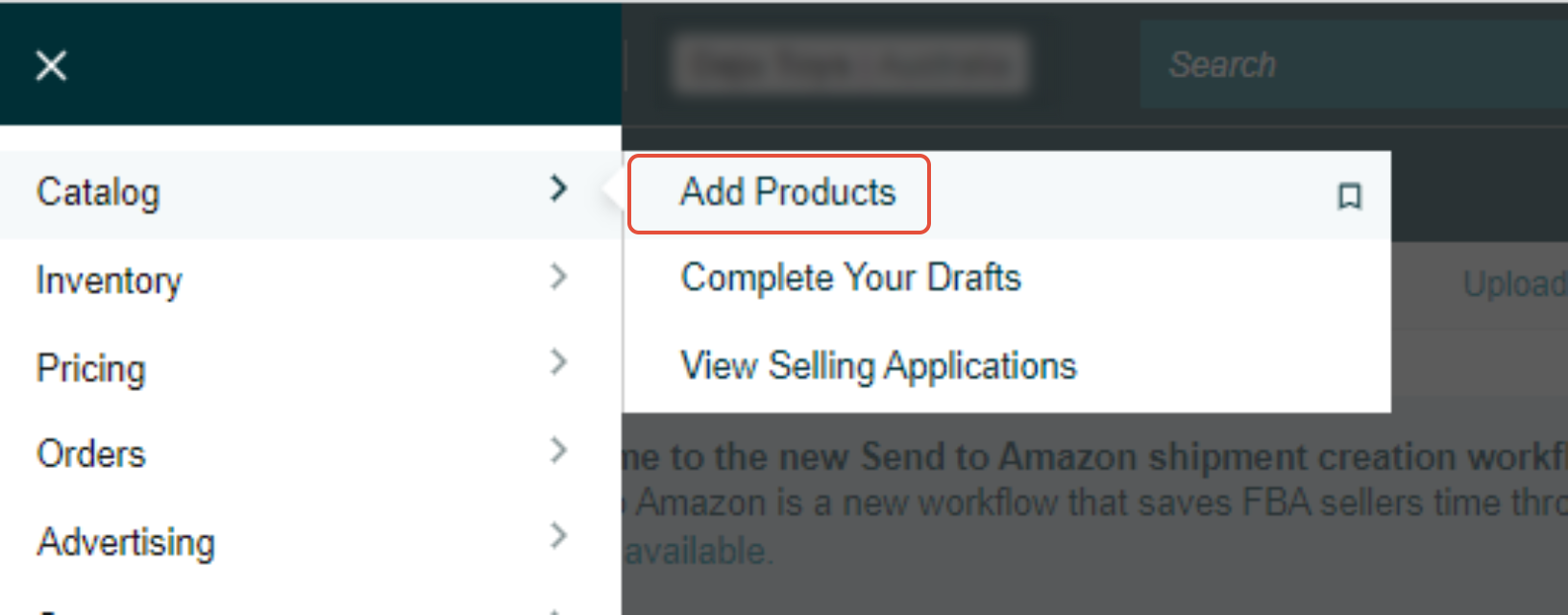
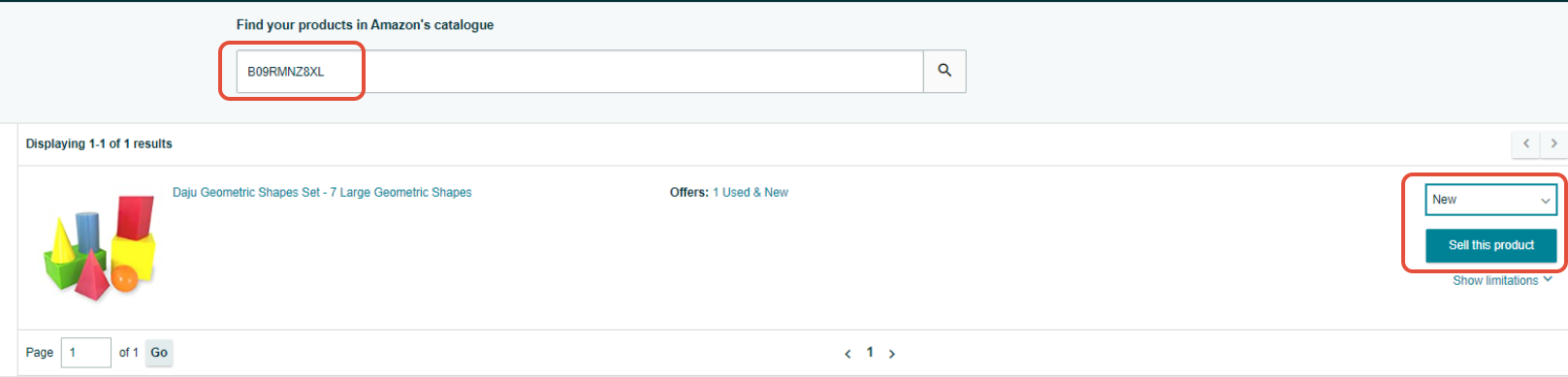
Enter the ASIN that you are wanting to add the FBA listing against. Select the condition type and click on Sell This product
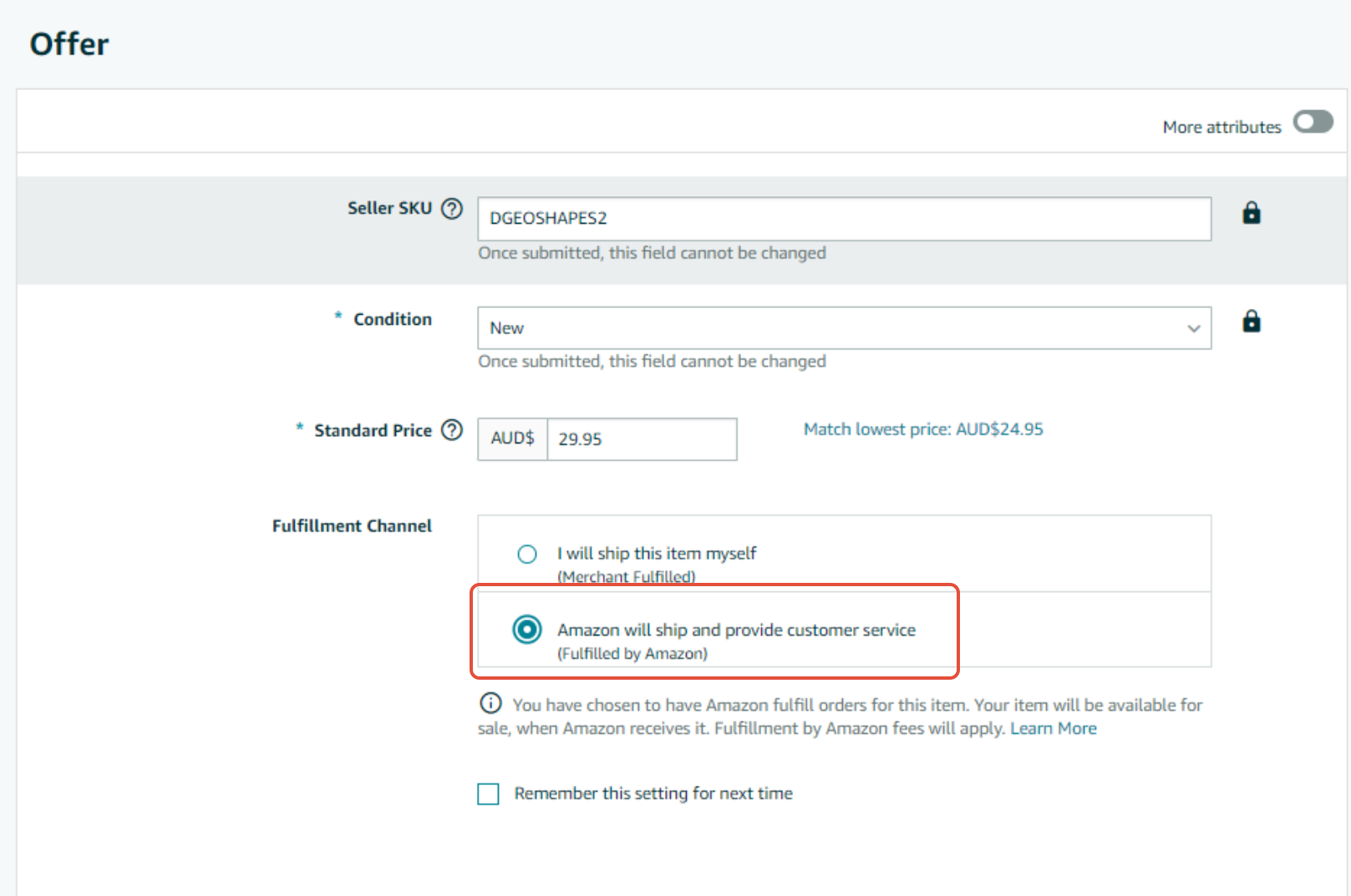
Next you need to enter the price for the FBA listing, A SKU (Which needs to be different to the Omnivore SKU and select the 'Amazon will ship' option.
Once clicking Save you will be taken to the shipping plan for sending the products in to Amazon. If you are creating multiple FBA listings you can leave the plan unsaved and create your other FBA listings. Then you can create the one shipping plan for all FBA products.