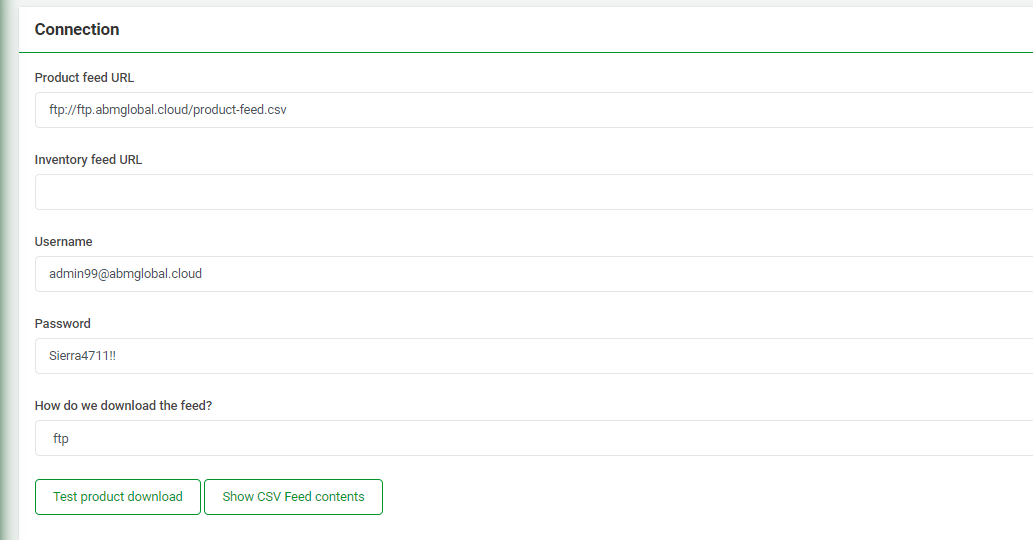
This is a document to help the support team check SFTP files when triaging custom feed issues.
There are many reasons and instances when Feed Files break, don't work as expected, or the feed file has changed from what is expected which leads to issues in Omnivore.
In most cases these tickets end up in Level 2 then Dev Fairy.
Using this ticket as an example - https://support.omnivore.com.au/a/tickets/129308
The Issue: the " which was used in the file for inches was causing an issue so the seller had to remove it and use inch not ".
Note the error in this case was this - Invalid number of columns (6162 not expected 46) found when parsing product CSV
The " had caused this outcome in the feed file.
On the settings custom feed page there is a button called Show CSV Feed Content, use this first to find any errors when troubleshooting. Do what you can before escalating with notes.