
Internal only.
The sellers can set KSP's using this FAQ - https://support.omnivore.com.au/bunnings-key-selling-points-setup-in-omnivore
The front facing FAQ presents the options to the sellers which suggests they contact Omnivore if they would like an AI generated solution. If not they use above FAQ covers the DIY option.
If the seller has contacted Omnivore and wants the AI method, see below for the available steps:
Admin Only methods.
1) A SINGLE product, on the product page click this option:

2) Many products (but NOT all), create and run the following job:
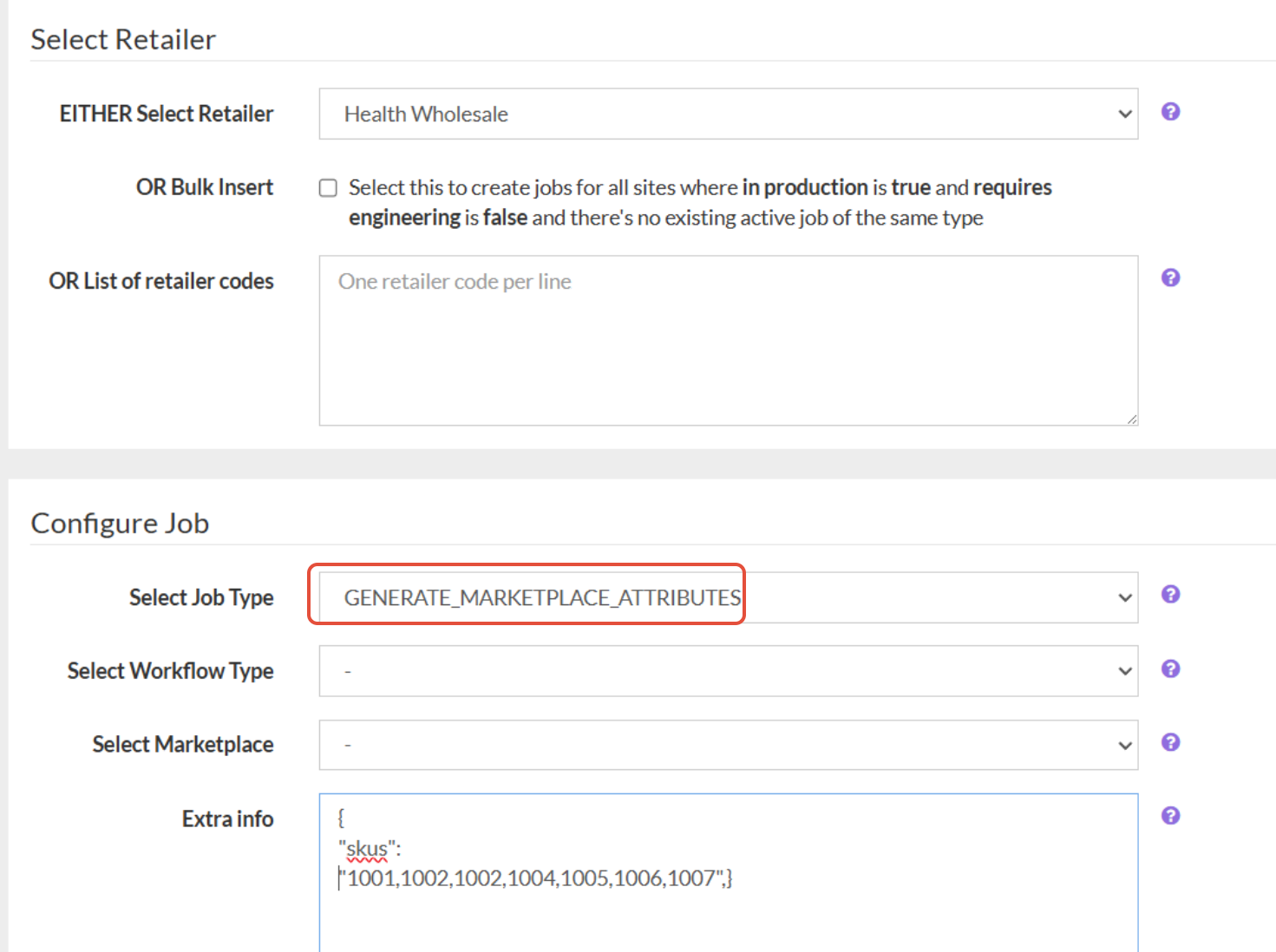
Add this Extra Info into the JSON to apply to the SKU's of choice, example only:
{
"skus":
"10010940211492,10010965180708,10010976157988,10010984087844,10010996080932,10011010826532"}
Make sure there is not comma after the last SKU, this can cause issues.
Let the job run and check it does so successfully, check some of the SKU's to ensure is worked.
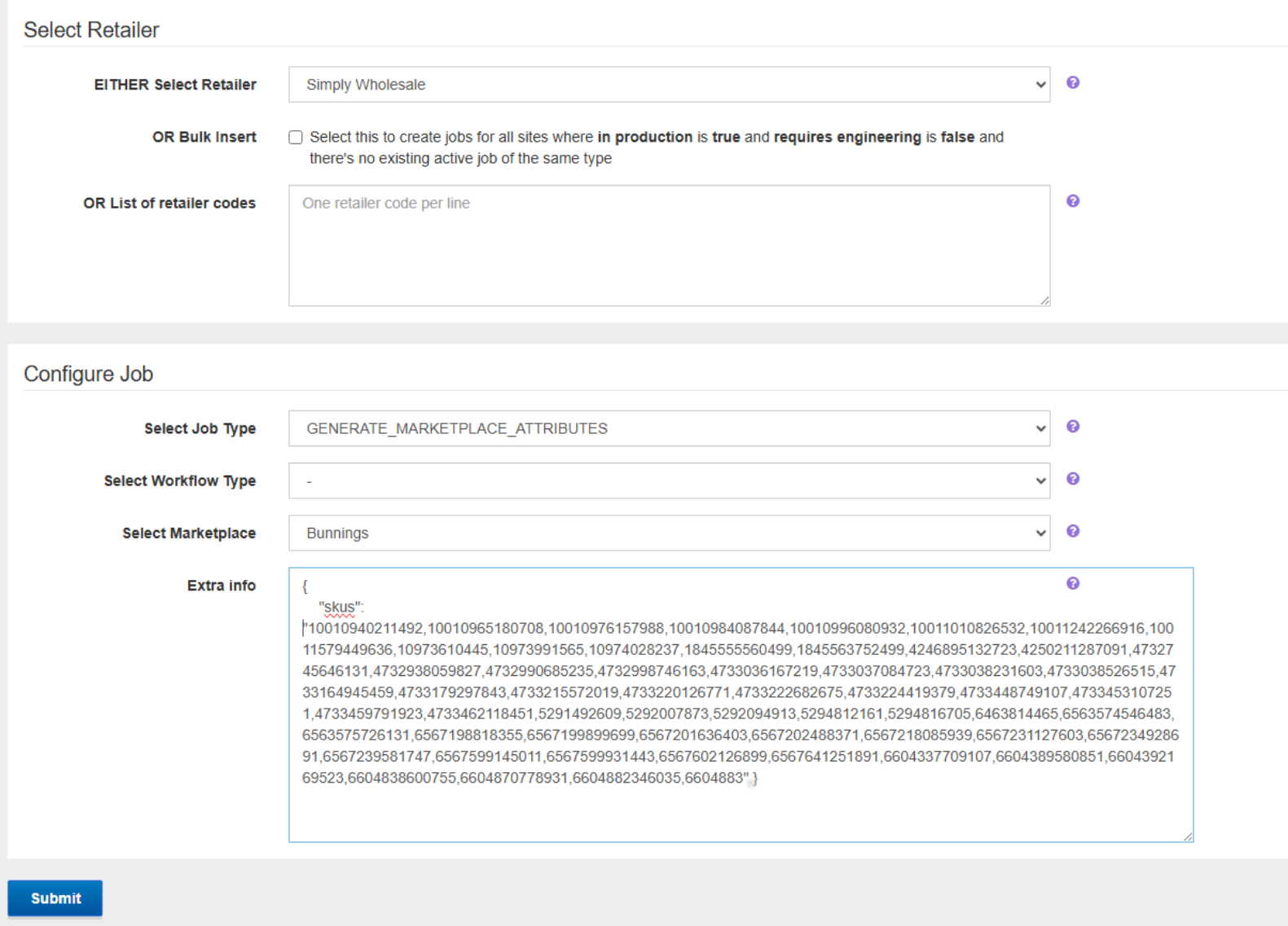
You may need to revalidate the products or just do an upload after you have spot checked a few SKU's.
3) All Products
Follow the steps in method 2 but leave the Extra Info section in the job blank.
The job will generated AI generated KSP's for all products that are mapped to a category and products that don't have KSP's already.