
This FAQ shows you where to find the marketplace information in your orders in Shopify.
It also covers why Omnivore marketplaces do not display in the Sales Channel section in Shopify.
Omnivore orders and marketplace name
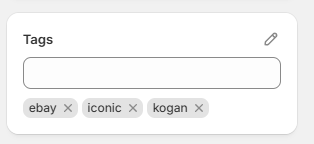
Shopify orders are tagged with the marketplace tag in the tag section of each order found on the order itself. It is not possible to change the name of the tags cominv from Omnivore as this is not an editable field.
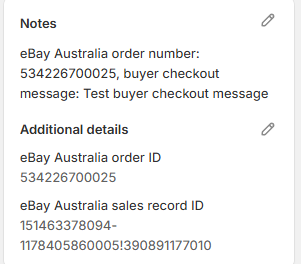
Order information is also entered into Notes.
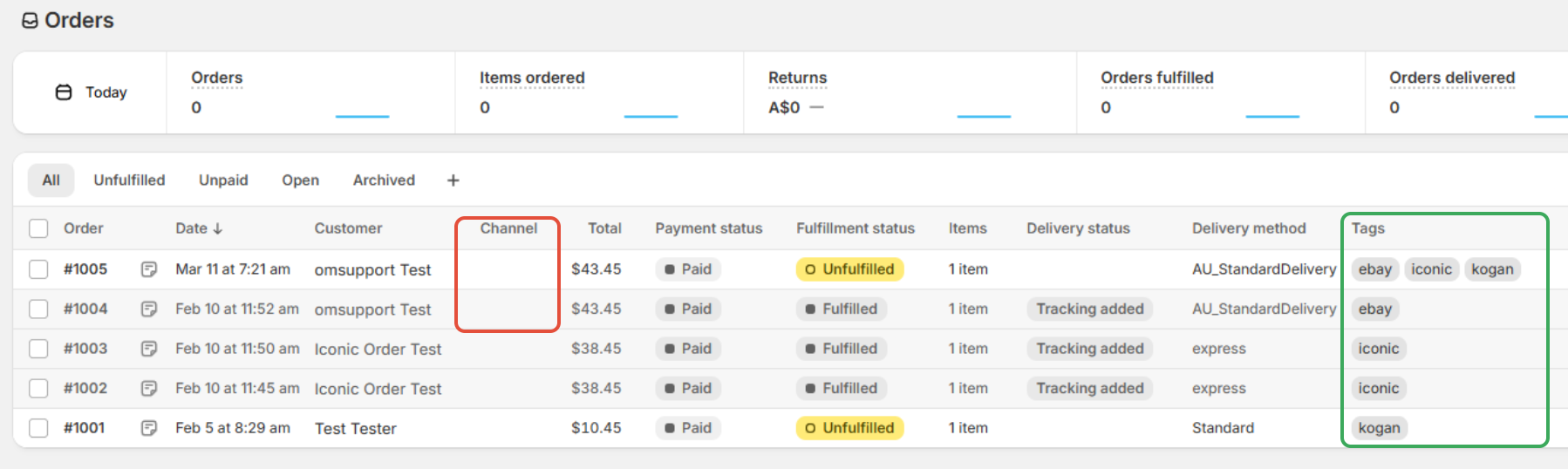
On the all orders page in Shopify the Channel column will be blank and Tags can be used to view which marketplace the order came from.
We do get asked why Omnivore or the marketplaces you sell on are not displayed in the Sales Channel section in Shopify, it is because Omnivore is an App NOT a Sales Channel.
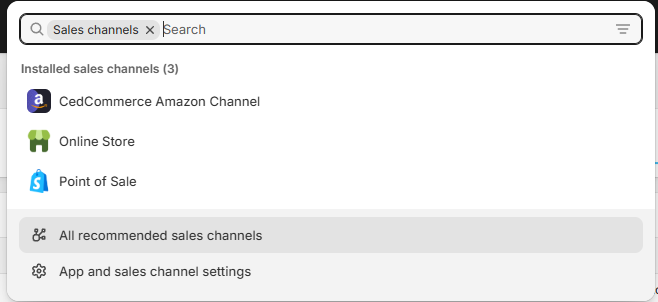
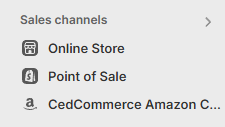
For that reason on the all orders page in Shopify, 'Channel' will be blank for Omnivore orders, but the Tags are identifiers in this case.
Marketplace Order Tags for Shopify
| MarketPlace | Shopify Order Tag Value (case-sensitive) |
| Amazon | amazonau |
| BigW | BigW |
| Bunnings | bunnings |
| ebay | ebay-sellerid (note sellerid will be replaced by your ebay seller id/username) |
| Every Day Rewards | EverydayRewards |
| EveryDay Market | EverydayMarket |
| JB Hifi | jbhifi |
| KMart | kmart |
| Kogan | kogan |
| Lasoo | lasooapi |
| MedCart | medcart |
| Myer Marketplace | myermp |
| Onceit | onceit |
| Qantas | qantas |
| Temu | temuglobal |
| The Iconic | iconic |
| The Market | themarket |
| Trade Me | trademe |