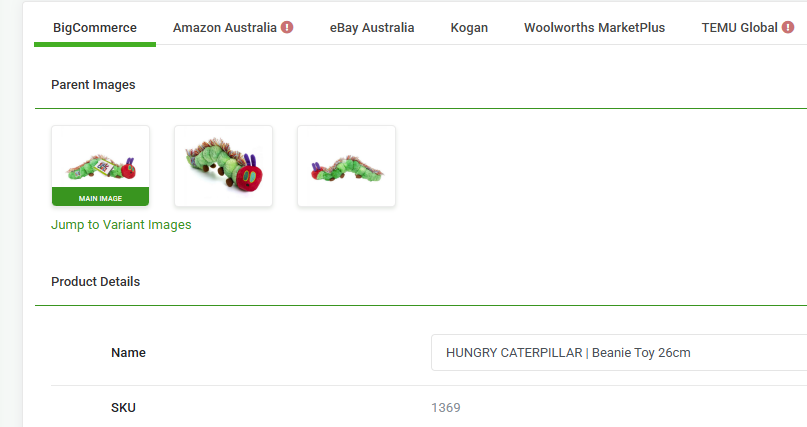
This FAQ reviews which images are imported by Omnivore to use for BigCommerce products.
About Images for BigCommerce Products
Our system will import images attached to Options e.g colours or size OR the main images added to the parent product but not both.
Examples
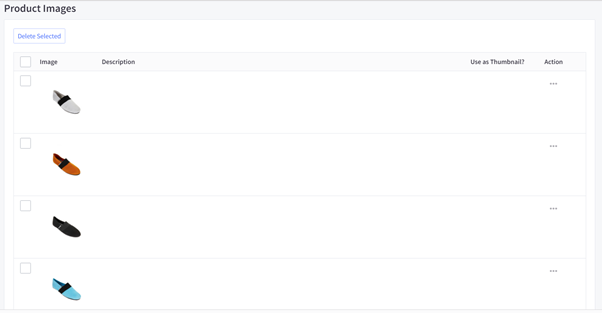
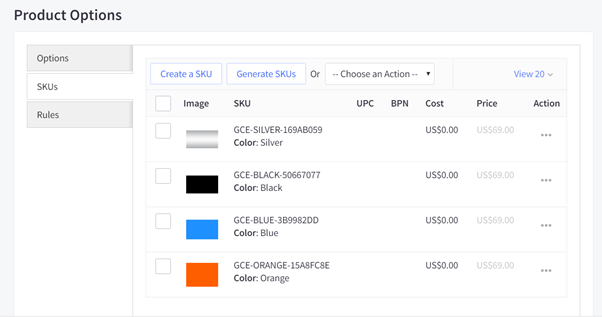
If your products have variants (for example, different colours or sizes) and images have been added both in the Images & Videos tab in BigCommerce (see Screenshot 1) and to individual variant options (see Screenshot 2), we will only import the images that are assigned to the variant options shown in Screenshot 2. Images added only in the Images & Videos tab will not be imported for variant-specific products.
BigCommerce Screenshot 1:
BigCommerce Screenshot 2:
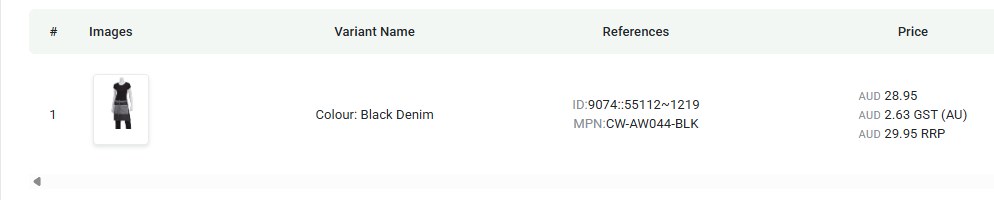
In our system on the product information page, you can see the variant colours
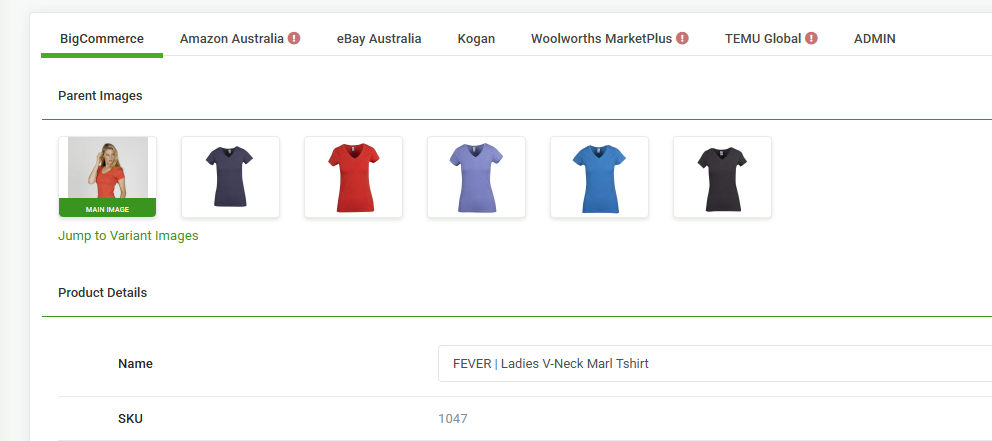

If your product doesn't have images uploaded against Options we will import the images uploaded to the main Product. The image will be called MAIN IMAGE, see example here of a product with not images against any options.
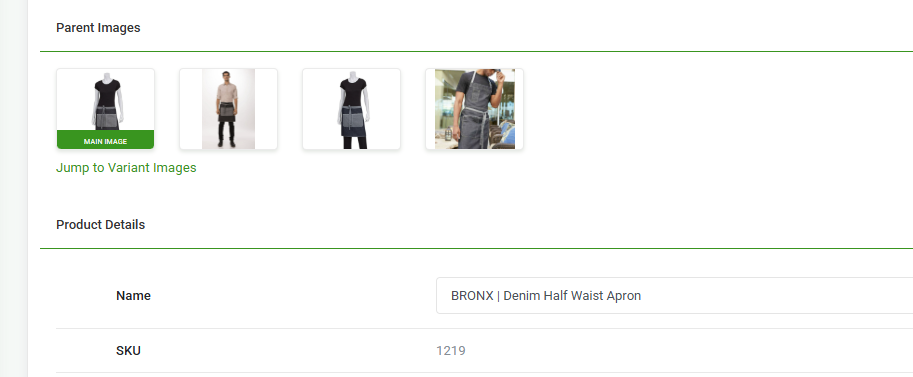
Here is a second example of a product with no images assigned to options in Bigcommerce, in this case all of the images will be sent to the marketplace.