
Use this feature when the quantity you want to sell through marketplaces is stored in a Shopify metafield. For example, an inventory app, warehouse system or 3PL may maintain your available-to-sell quantity there or you may want to allocate inventory to your marketplace channels separately to other channels.
Omnivore defaults to using the standard Inventory field if you do not use this.
The inventory you add to your metafields will be applied for all marketplaces, this feature does not support a different metafield for each individual marketplace.
How to set it up
Before you start, identify the Shopify metafield that holds the quantity you want to send to marketplaces. Inventory is tracked per variant, so use a variant metafield with a numeric quantity for each relevant variant. Create an integer metafield where possible.
- In Omnivore, go to Settings > Shopify Feed > Map Fields.
- Find the 'Inventory' field under Optional and select the Shopify metafield that contains your inventory quantity. Ensure you use a variant metafield when different variants have different stock levels - for example, different sizes or colours. Each variant should have its own quantity.
 Save any changes by scrolling down to click Update Mappings.
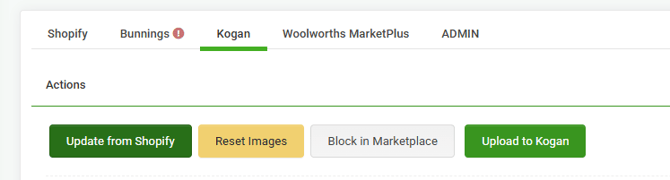
- Update a test product and check that its quantity appears correctly in Omnivore - go to the product details find a product and click 'Update from Shopify' which will show on the Marketplace Tab. Check the inventory quantity field is correct.
 To update all products to use this metafield for inventory, go to the dashboard and click 'Import from Shopify'
Notes
- The mapping tells Omnivore which Shopify value to read. Keep the metafield updated through the Shopify workflow, app or system that manages your inventory.
-
Stock buffers set up in Omnivore will work as they normally do as the inventory in the metafield is applied first, then any stock buffers will be applied.
- We count down the inventory value in Omnivore as orders come through. However, whenever we receive a product update from Shopify, we read the metafield again. For example, if you start with a value of 100 in your metafield, and receive orders that reduce your actual inventory, but do not update the metafield and it still contains 100, the inventory in Omnivore will reset to 100.
- It is your responsibility to keep each metafield updated with the correct available quantity.
- Omnivore does not write updated inventory values back to the Shopify metafield.