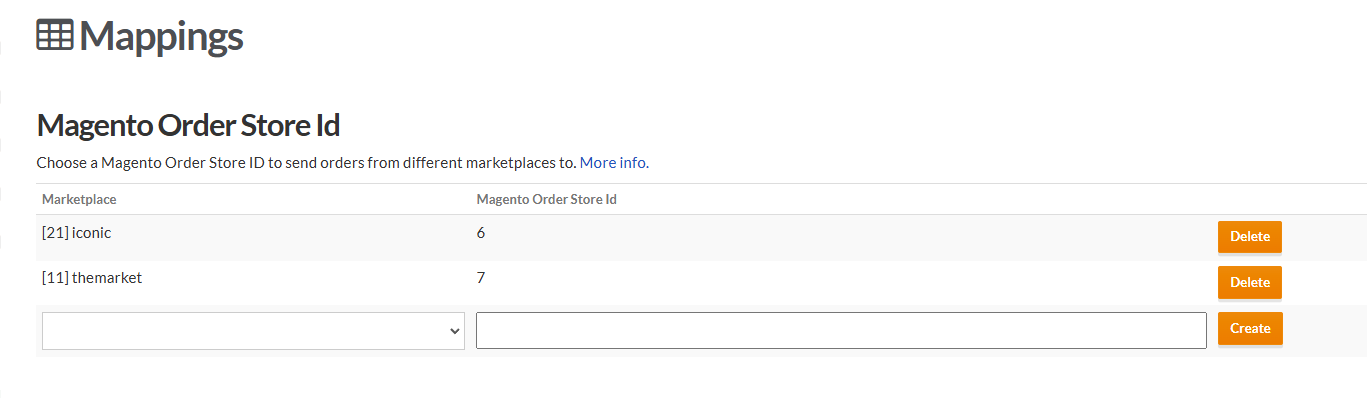
You have the option to choose which Magento Order Store ID you send orders to from different marketplaces.
Omnivore defaults the Magento Order Store ID to 1 on set up, however you can choose to send orders from different marketplaces to different Magento Order Store IDs.
See the two different settings below.
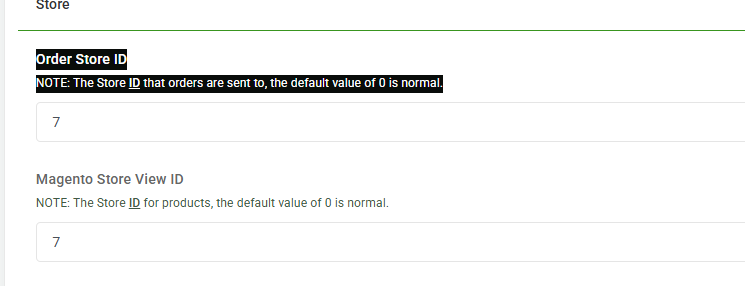
To Change the Default
- In Omnivore go to Settings - Magento2 Feeds - General
- Scroll down to Store - Order Store ID and enter the appropriate number
- Click Update
Setup the Magento Order Store ID for Different Marketplaces
- Go to Settings - Magento2 Feeds - Marketplace Config
- From the drop down, choose the marketplace e.g The Iconic, Trade Me
- Enter the Magento Order Store ID and click 'Create'