
All Google Merchant Center accounts will require a verified phone number. Without it, your account may be suspended and ads and free listings will stop.
How to Verify your phone number
- Log in to your Merchant Center account.
- Click the tools icon Tools and setting menu icon [Gear], then click Business information from the Tools menu.
- Add a valid phone number on the Phone number card and click Verify.

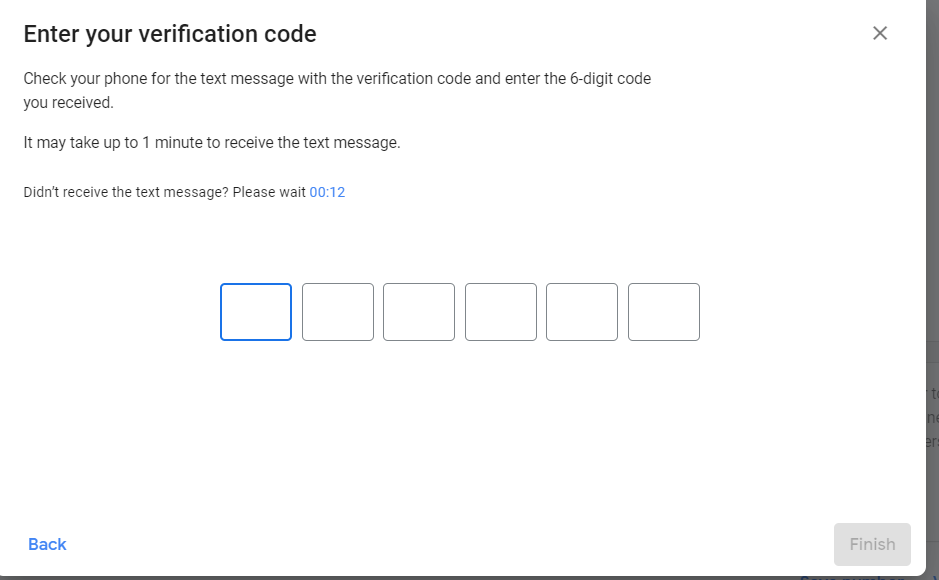
- Select a method to receive a verification code (either voice call or text message).
- Enter the code in Merchant Center and click Finish. (Verification may take a few seconds).
- Your number should show as Verified e.g
