
If you are an Australian based retailer, this is the suggested configuration for your Magento system that we support out of the box.
Things to Check in Magento:
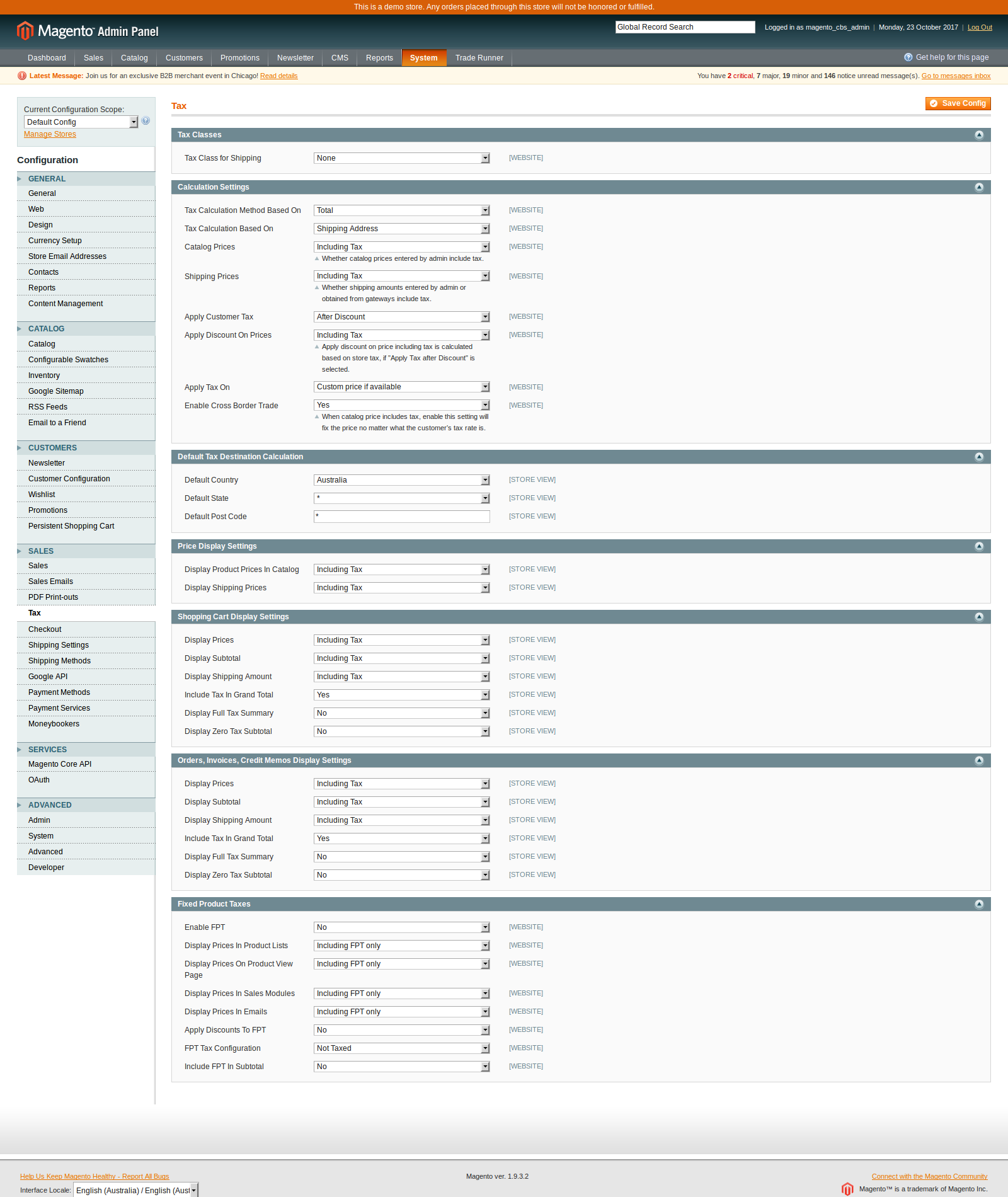
- Tax included in price
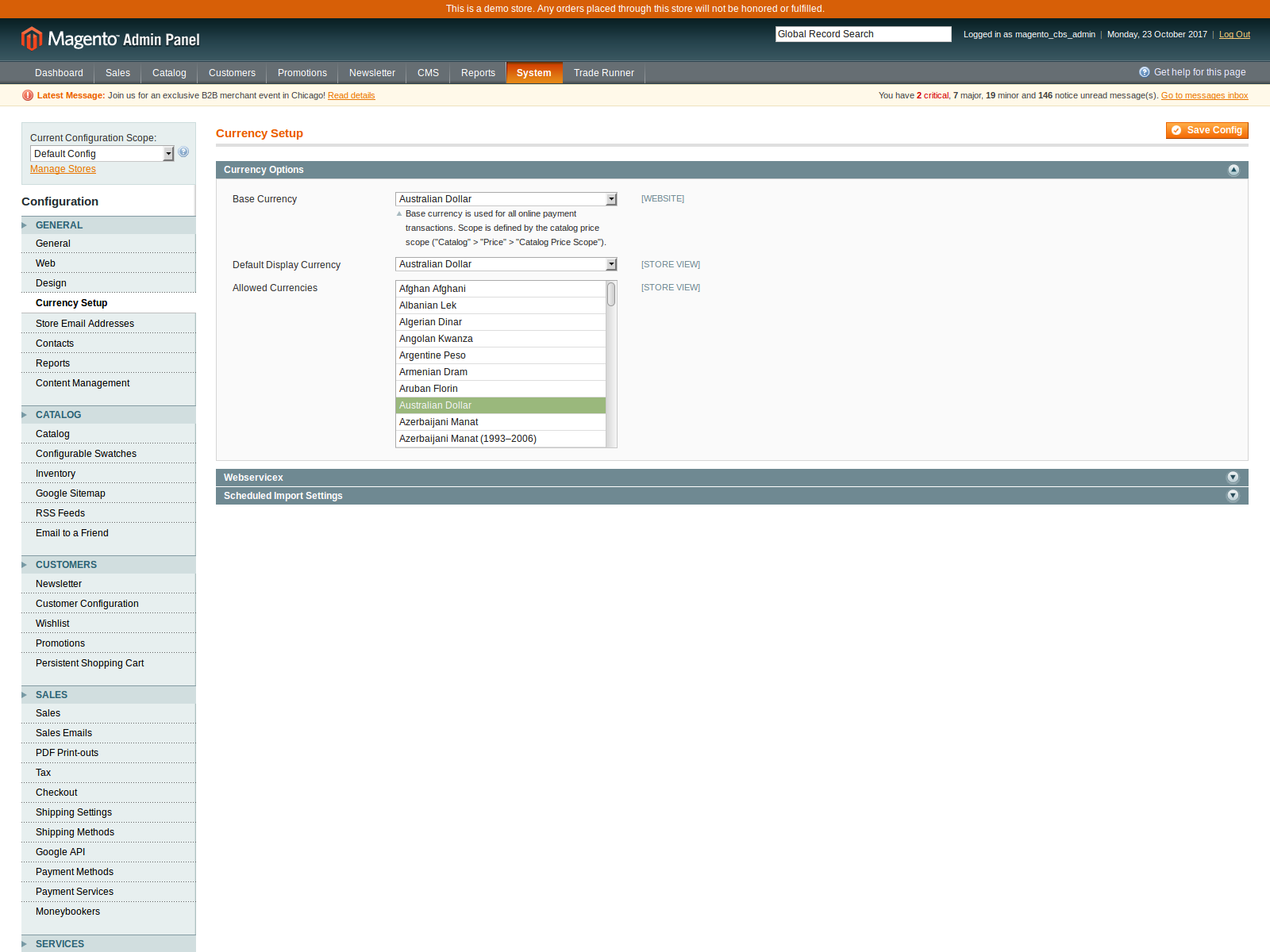
- Base currency is the Australian Dollar
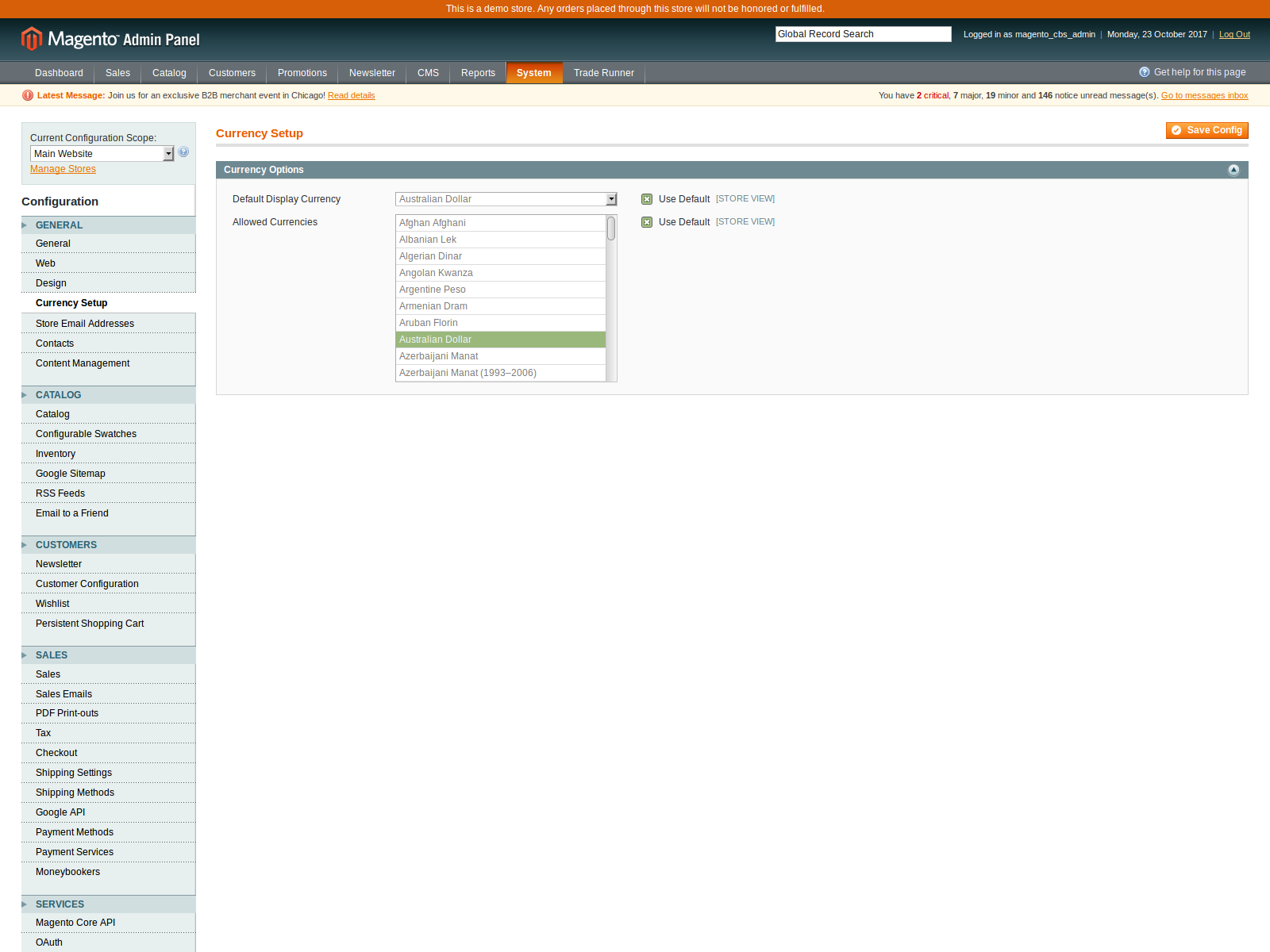
- A single Magento Website using the Default Currency, ie Australian Dollar
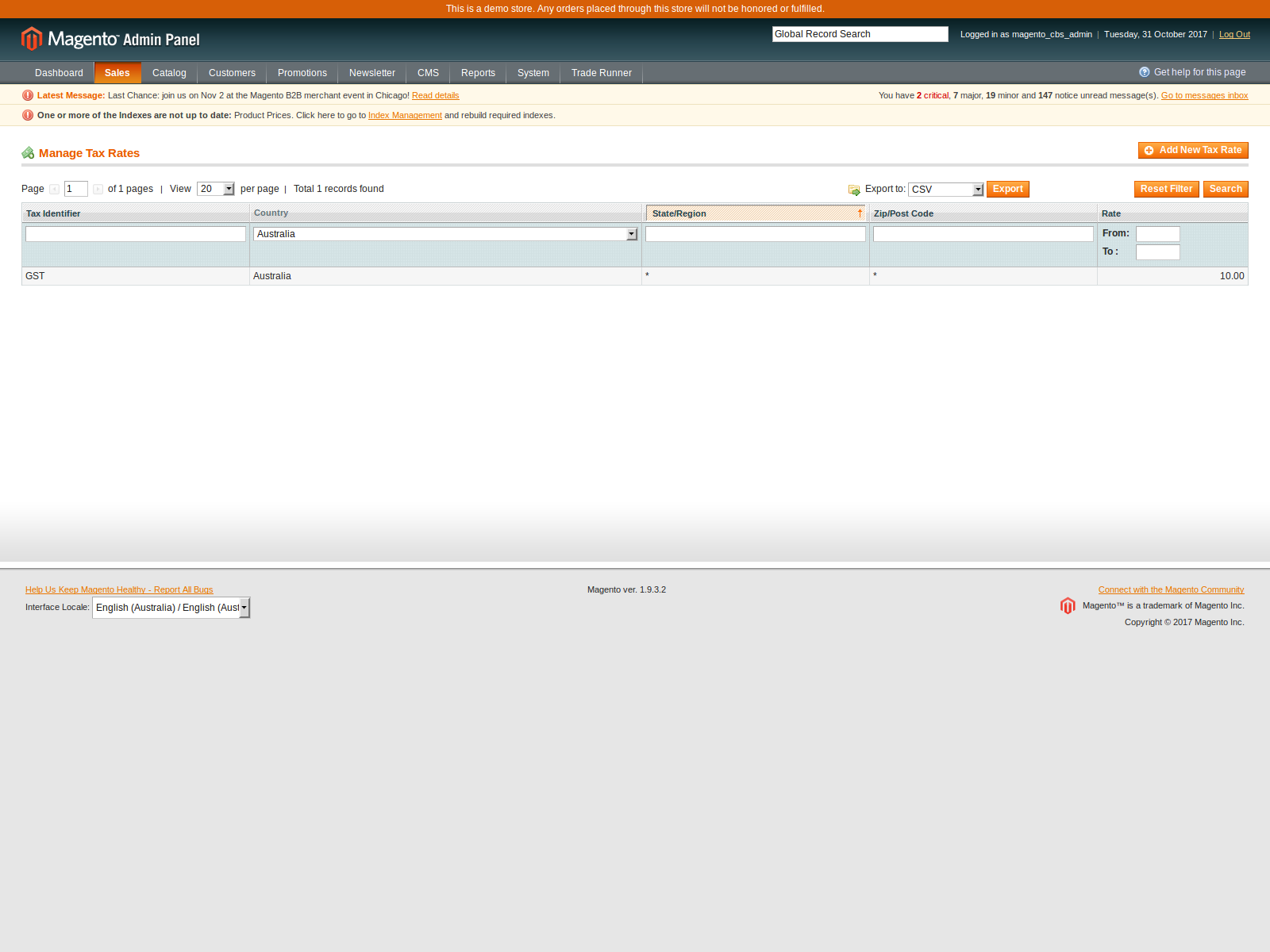
- 10% GST for taxable products
Magento Store Settings
Log into your Magento Store and check the following settings
System - Tax
System - Configuration - Currency Setup
System - Configuration - Currency Setup change from Default Config to Main Website from the Current Configuration Scope selector
Sales - Tax - Manage Tax Zones & Rates
Sales - Tax - Product Tax Classes
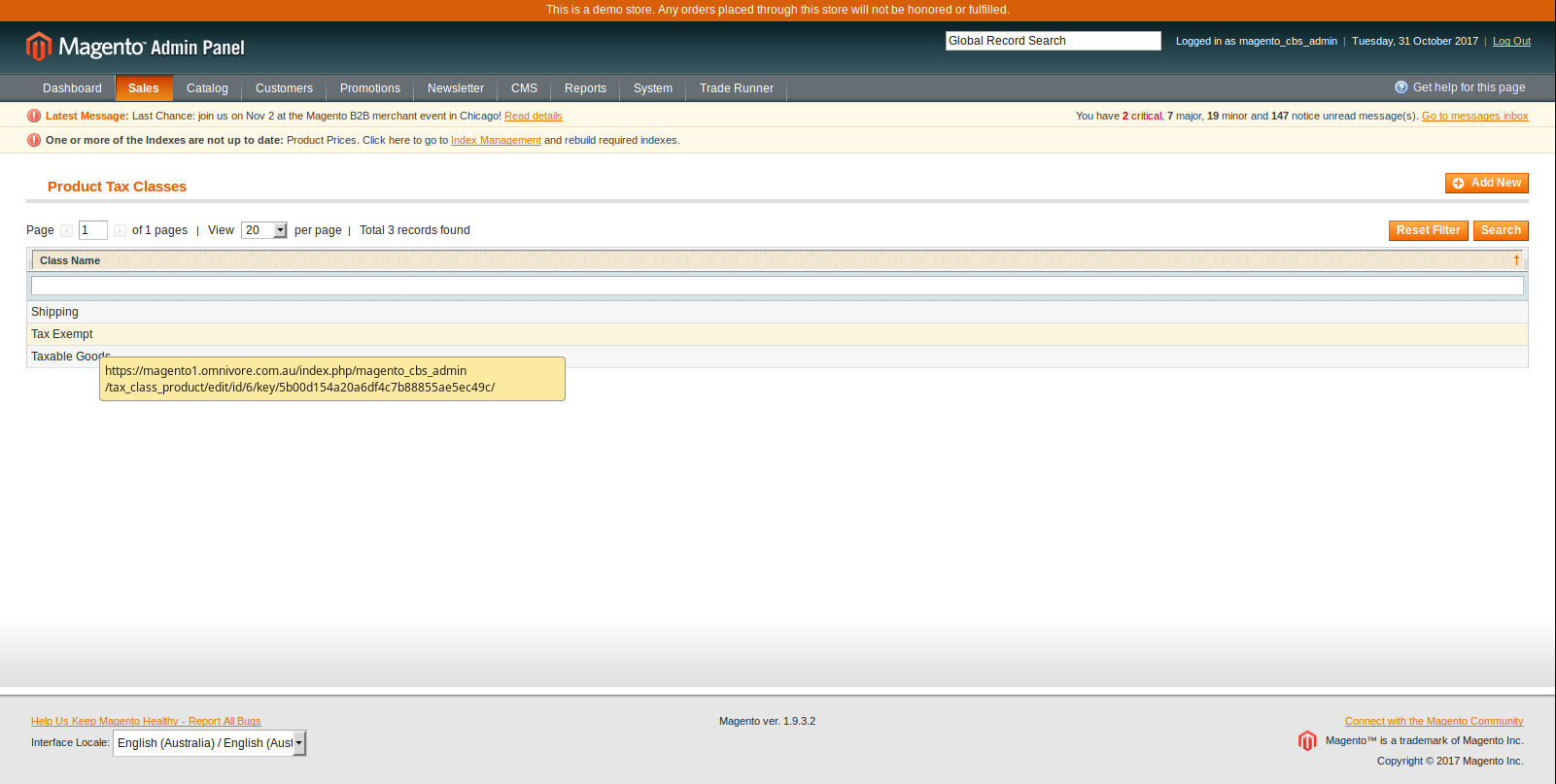
Tax Exempt Class
If you have products that are not taxable, i.e. are assigned to the Tax Exempt class, you will want to write down the id for the Tax Exempt class, in this example the value is 6, and can be seen when you hover over the words "Tax Exempt". It is the number after "/tax_class_product/edit/id/" and before "/key/"
This value should be entered in the Non Taxable Classes input field in Omnivore under Settings - Magento Feeds - General as shown in this article below under Screen Shot 2