
You can find the Omnivore Shopify App in the Shopify App Store:
Follow the app installation and account registration wizard, it will ask you to select a marketplace that will be added to your new Omnivore Account.
Based on the marketplace you select, you can view the setup guide and checklist here under Marketplace Setup.
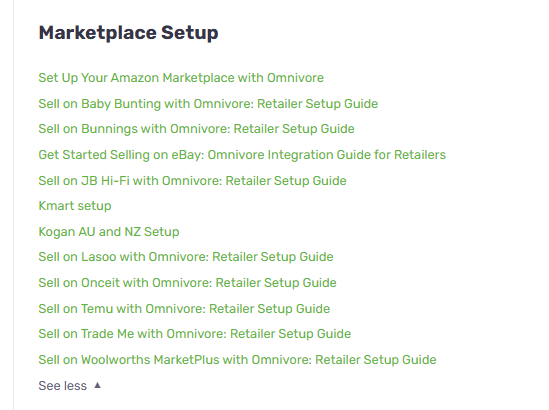
-
Follow the Marketplace Setup Guide.
-
Ensure your marketplace Sellers Account is setup and active.