
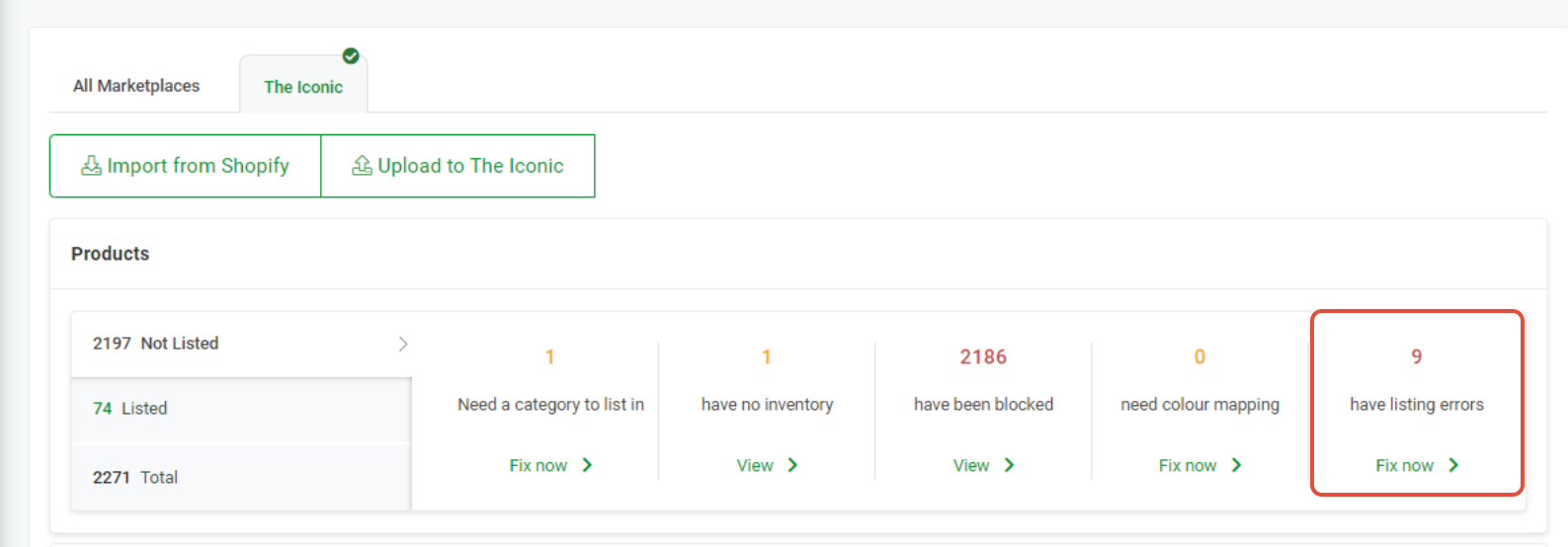
Sometimes not all products will list on The Iconic Marketplace. Products that will not list successfully will appear in Omnivore with a listing error and/or warning under the 'have listing errors' section. Listing errors are in yellow and warnings are in blue.
Error List
SKU is already used by another product / X value is not unique
Error
Listing error:
sku:
error: SKU is already used by another product.
sku:
error: X value is not unique
Problem
This error can occur we are attempting to Create a Product when it already exists. It can also happen if some product variants have been made inactive directly within The Iconic Seller Centre. Essentially this means we cannot fully update the listing.
How to resolve
If you do not want the product to be live on The Iconic, instead of making them inactive on the marketplace you can set them to Zero Stock Quantity in Omnivore. This FAQ shows you how to do that.
If you do want the product to be live on the marketplace make them active again in The Iconic Seller Centre and then push a fresh upload to The Iconic from Omnivore.
If the problem persists please contact our Support Team.
Set as ready to ship failed, error: 'xxxxxxxxxxx' is not a unique value for Tracking Code.
Error
Order Error:
Set as ready to ship failed, error: {"errors":[{"orderItemId","detail":"'xxxxxxxxxxx' is not a unique value for Tracking Code."}]}
Problem
Tracking code has already been used.
How to resolve
TheIconic is storing old tracking numbers from years back and AusPost is recycling shorter tracking numbers, hence some tracking numbers come up unique.
Edit the Tracking and add a / in at the end of the tracking number. Doing this should fix the error.
The Iconic validation error: Category Caps is not a child of category ID Clothing
Error
Listing error:
The Iconic validation error: error: Category Caps is not a child of category ID Clothing | SellerSku: 6029934700100 | Name: Zoe Cotton Cap in White;error: The categories 97 for Sku 6029934700100 are not valid | SellerSku: 6029934700100 | Name: Zoe Cotton Cap in White;
Problem
The product will not list due to a problem with the chosen marketplace category. If the category has been remapped or changed in Omnivore and is different from the original category you will see this error.
How to resolve
If you see this error you will need to delete the product with original mapping in The Iconic Seller Centre. Once the product has been deleted in the marketplace you can then upload the re-mapped product from Omnivore to The Iconic.