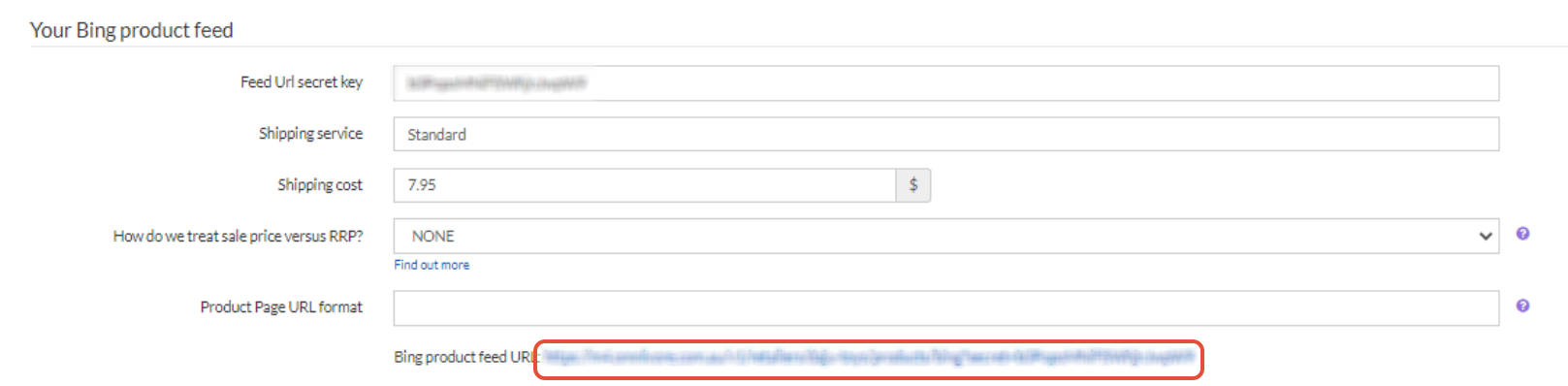
Find your Bing product feed URL
In Omnivore, Go to Settings - Bing - General
Copy the Bing Product Feed URL as shown below:
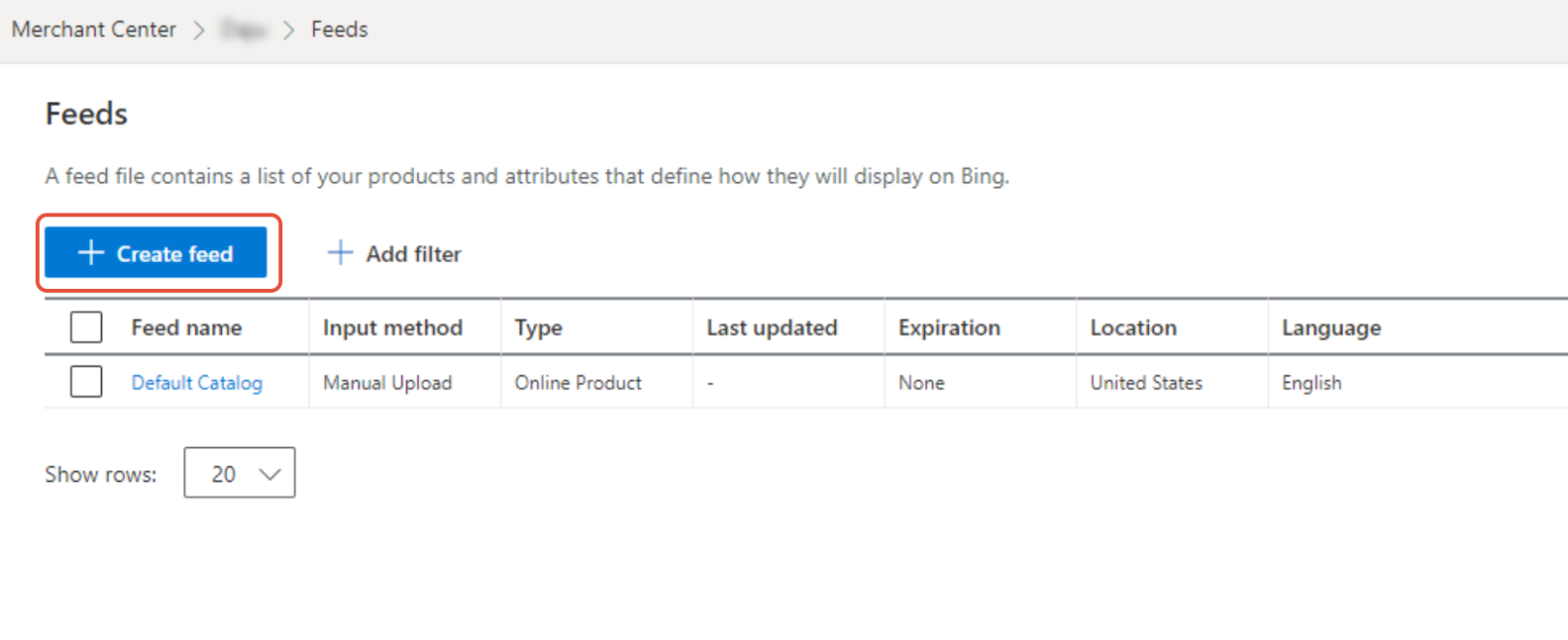
Create the Feed in the Microsoft Merchant Center
In Microsoft Advertising - Merchant Center, Go to Feeds and click on 'Create Feed'
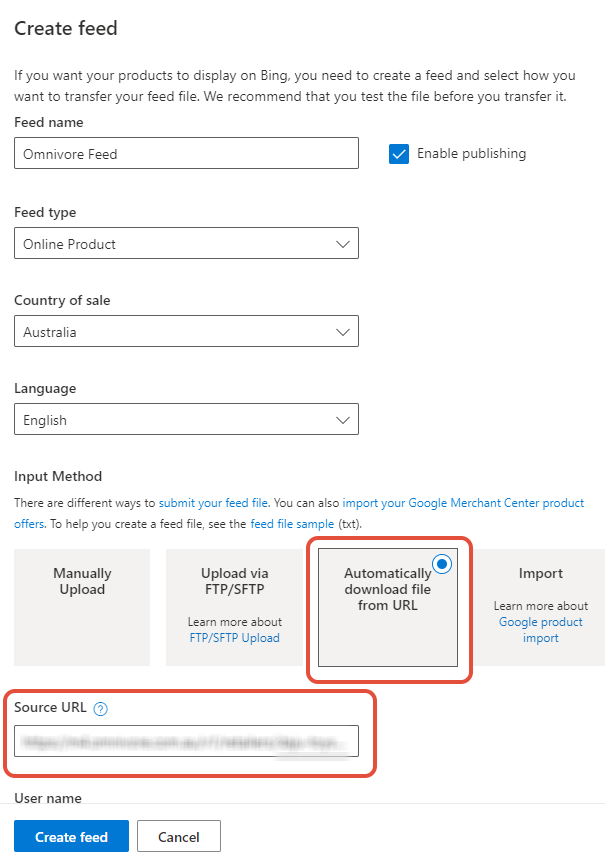
On the Create feed page select the Input Method as 'Automatically download file from URL' and enter the URL obtained from the previous step in to the 'Source URL' field.