This FAQ walks you though how to set the quantity value for all products that have the setting 'Do not track inventory for this product.'
Set the quantity value of a product
-
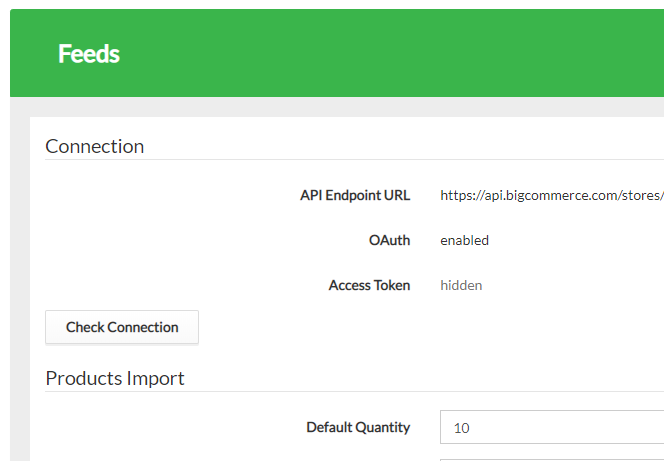
In Omnivore click on Settings - Feeds - General.
-
Scroll to Products Import.
-
Set a Default Quantity value for all products that have the BigCommerce tracking method set to "Do not track inventory for this product".
-
Scroll to the bottom of this page and Click Update.